Tutorial module
Dashboards as Code with Bruin DAC
Go from an empty folder to a live, AI-editable analytics dashboard on localhost in under twenty minutes. Author dashboards as YAML, query a real DuckDB, and let the in-browser AI assistant build new charts for you.
What
- Build dashboards as
YAMLorTSX- hand-authored or driven by an AI agent - Run dashboards locally with
dac servefor live reload, or deploy them when you're ready to share - Version-control everything alongside your code - reviewable in PRs, runnable on a laptop
How
- Install DAC from your terminal and run
dac initto scaffold a starter project - Connect your own data through
.bruin.yml, or use the bundled sample DuckDB to start instantly - Author a dashboard in
YAMLorTSX- write it yourself or have the in-browser AI assistant build it for you
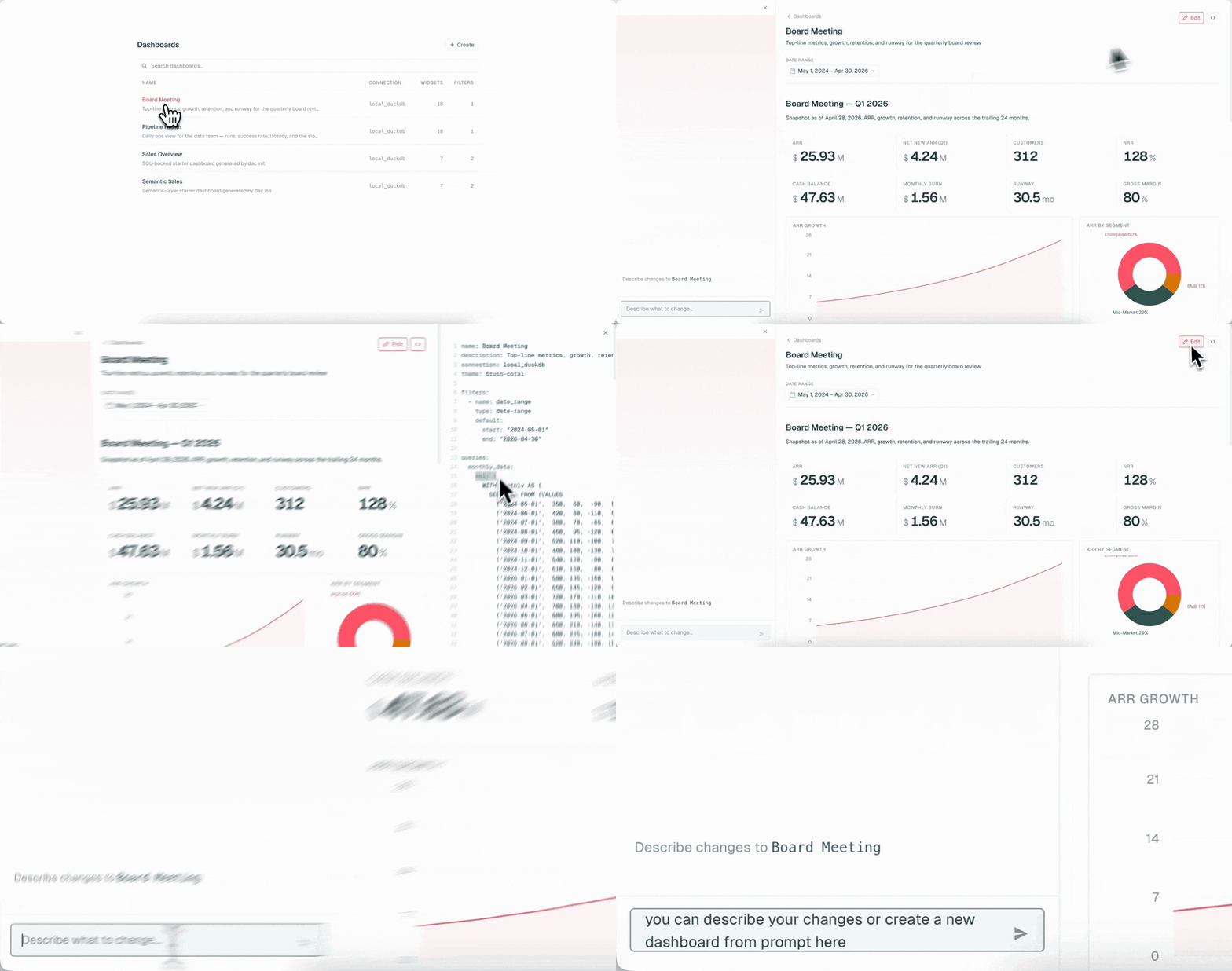
DAC (Dashboard-as-Code) is Bruin's CLI for building analytics dashboards from text files instead of clicking around a GUI. You define dashboards as YAML or TSX, version-control them like any other code, and serve them locally with live reload. An AI assistant is built into the dev server so you can edit dashboards by chatting with it - no React, no drag-and-drop.
The stack you'll build
- DAC - the CLI, dev server, and AI assistant
- DuckDB - a single-file analytical database that runs locally
- YAML dashboards - declarative widgets, filters, and queries
What you'll be able to do by the end
- Scaffold a DAC project and point it at a DuckDB file you already have
- Author a dashboard with metrics, charts, and filters - all from a few dozen lines of YAML
- Run
dac serveand use the in-browser AI chat to add or modify charts on the fly
Who this is for Data analysts and data scientists who want a code-first dashboard workflow - reviewable in PRs, runnable on a laptop, and friendly to AI agents.
Before you start
- macOS or Linux with a terminal
- A code editor for the YAML or TSX dashboard files you'll edit (by hand or with the AI agent)
- Optional - a
.duckdbfile with a table you want to chart; the starter ships with a sample DuckDB if you don't have one yet - Optional - an LLM provider configured locally if you want the in-browser AI chat to author dashboards for you
- 1Set up your DAC project4 min
- 2Connect your DuckDB4 min
- 3Author your first dashboard8 min
- 4Serve on localhost and chat with the AI5 min
Get help & contribute