Bruin Academy

Using Bruin Templates

Learn how to use Bruin templates to quickly scaffold data pipelines with pre-configured assets, connections, and transformations.

What is this? A hands-on tutorial on using Bruin templates - ready-made blueprints that let you scaffold a complete data pipeline in seconds. Instead of writing boilerplate configuration and setup files from scratch, templates give you a working project structure with pre-configured assets, connections, and transformations.

What you'll learn: How to browse and select templates using bruin init, how template projects are structured, and how to run a templated pipeline end-to-end.

What you'll build: A working pipeline from the Frankfurter template that ingests foreign exchange rate data and transforms it with SQL - all set up in under a minute.

Start tutorial →


Video walkthrough


Full tutorial

Below is the complete tutorial you can read through, or use the step-by-step version above.

What are templates?

Setting up a data pipeline from scratch can be tedious - lots of boilerplate configurations and setup steps. Bruin simplifies this with templates: ready-made blueprints that help you get started fast. Templates define the structure and essential files for a pipeline and allow you to quickly set up pipelines without starting from scratch.

Initialize from a template

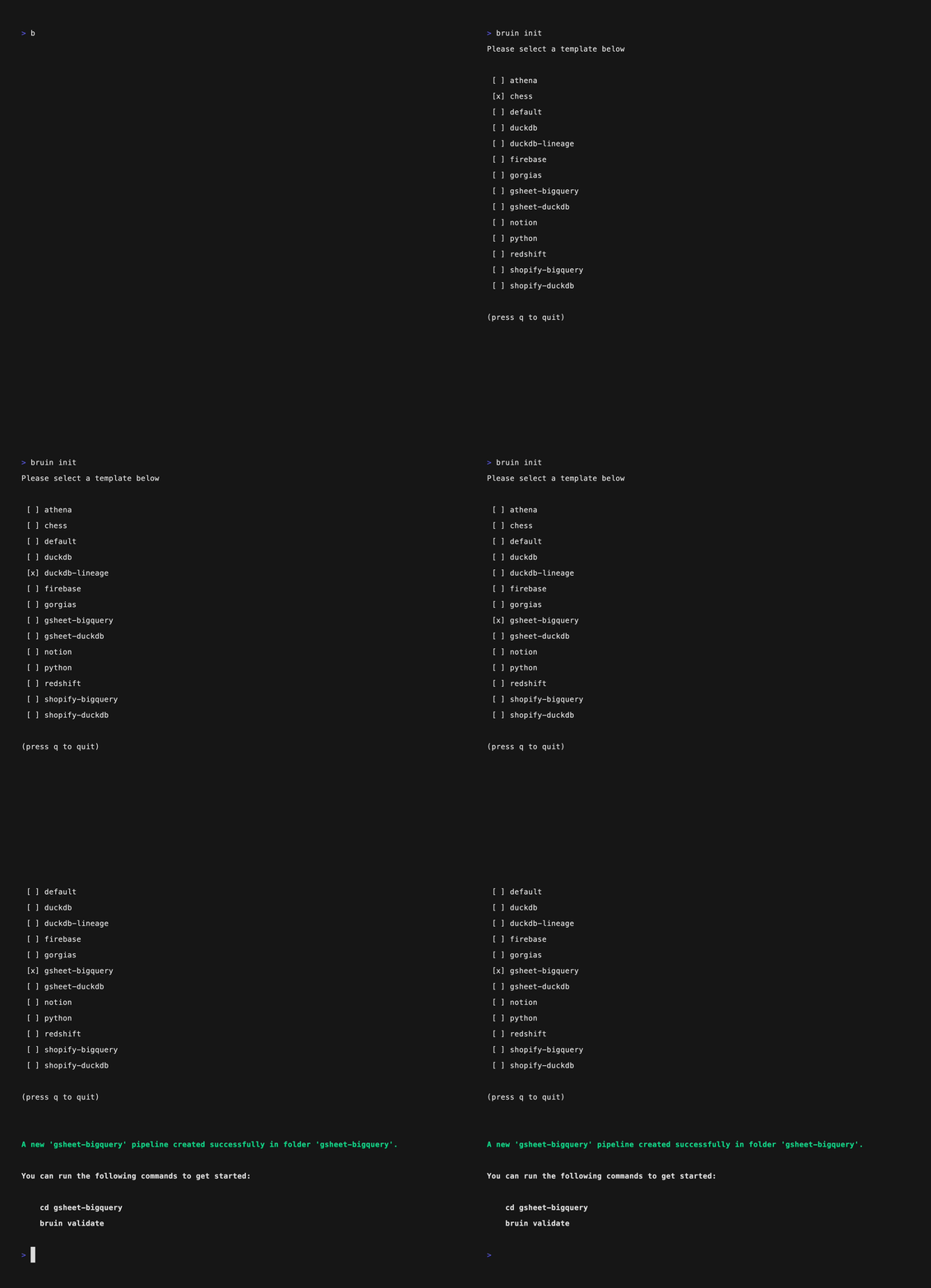
Navigate to the folder where you want to set up your pipeline and run:

bruin init

You'll see an interactive menu. Use the arrow keys to browse through the available templates and hit enter to select one. Once selected, Bruin sets up your project folder with the correct structure and files.

Alternatively, you can skip the interactive menu and specify the template and folder name directly:

bruin init frankfurter FXmetrics

This creates a project called FXmetrics from the frankfurter template.

Explore the template structure

The Frankfurter template includes everything you need:

  • .bruin.yml — Configuration file with environment and connection settings
  • pipeline.yml — Pipeline configuration with name and default connections
  • Ingestr assets — YAML files that define data ingestion from the Frankfurter API (foreign exchange rates)
  • SQL assets — SQL files that transform and process the ingested data
  • Documentation — README with template-specific instructions

The ingestr assets pull exchange rate data from the Frankfurter API, and the SQL assets process that data into useful views - for example, presenting exchange rate trends over the last 30 days.

Run the pipeline

Run the pipeline to ingest and transform the data:

bruin run .

Bruin executes the ingestr assets first to fetch the data, then runs the SQL transformations that depend on them.

Explore the results

After the pipeline runs, you can explore the data. The SQL asset contains a query that presents exchange rate data over the last 30 days, giving you a ready-to-use analytical view of currency movements.

Available templates

Bruin ships with several templates for common use cases. Run bruin init to see the full list, or check the Bruin documentation for details on each one. Templates are available for DuckDB, BigQuery, PostgreSQL, Oracle, and more.

Using Bruin Templates

Before you start