I have been pissed off with how complicated CDC has been for quite some time. Running Debezium on production at large scale gave me PTSD, and I have always been skeptical of CDC due to that.
I have seen many scenarios where realtime pipelines and CDC being used to create low-latency pipelines, and quite frankly, many of them didn't really need realtime data. This weird obsession with realtime data made me skeptical of the whole realtime thing in general, which included CDC as well. I believed, and I still believe so, majority of these workloads would be just fine with batch pipelines as well.
However, there turned out to be some scenarios where CDC provided a real advantage:
- For legacy systems where it is not possible to introduce cursor columns due to technical, but mostly organizational, concerns, it becomes impractical to deploy batch pipelines.
- For systems that do not have a way to reliably know the update timestamp, also due to legacy reasons. Think usecases where the columns are updated without the timestamp being updated.
- For hard deletes.
I could argue that each of these scenarios actually do have real solutions that would eliminate the need for CDC, but especially in larger organizations it gets to a stage where taking on the organizational fight becomes a much bigger challenge than fixing the technical issue itself. CDC helps for scenarios like this.
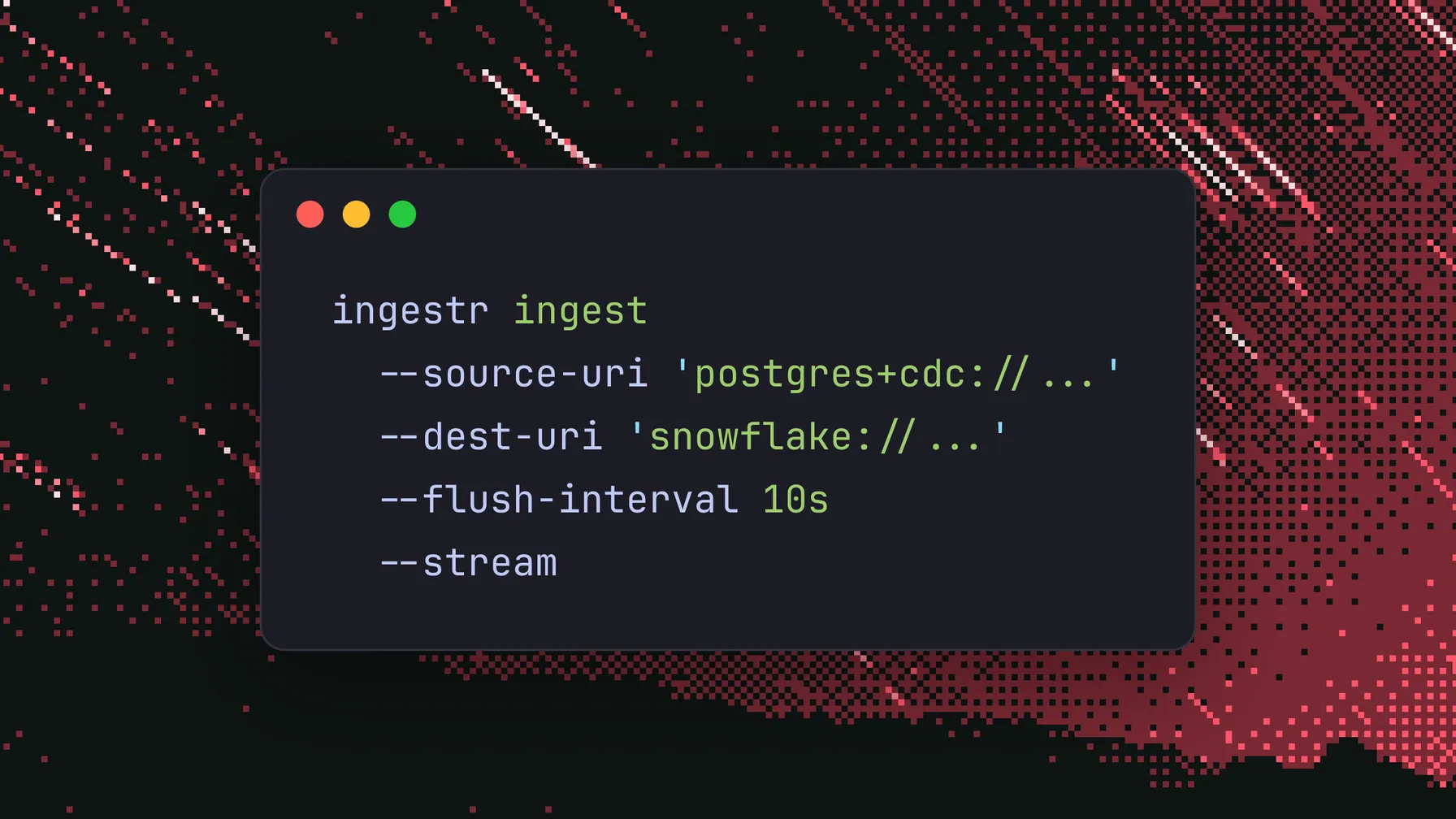
In the end, I caved: announcing ingestr CDC!
ingestr CDC
A quick primer on ingestr: ingestr is our CLI tool that allows connecting 130+ sources to 20+ destinations. It is a dead-simple CLI tool, super fast, and works beautifully across a wide range of usecases. You can run it in your own laptop, on GitHub Actions, or in an EC2 instance.
With the initial v1.1.0 release, ingestr now supports CDC connectors for the major platforms:
- PostgreSQL CDC
- MySQL CDC
- MongoDB CDC
- Microsoft SQL Server CDC & Change Tracking
You can follow the respective tutorials for each of the platforms to set up the CDC loads for yourself. ingestr will take a snapshot during your first run, and will continue streaming the changes to your destination database as it goes.
Load Modes
ingestr has been historically built around batch loads: you can use it to replicate tables with different incremental strategies such as merge, replace, or SCD2. In order to introduce streaming, we had two ways in front of us:
- CDC could still be consumed as a batch event log: run ingestr every 5 mins, and it will replicate the changes that happened in that window to the destination. This fits relatively well with the existing batch-oriented design.
- CDC could also be consumed as a realtime event stream in a long-running process, which meant that ingestr needed to run as long as the user wanted, without running on a batch timeline.
This required us to introduce a new "streaming" mode to ingestr.
Batch Mode
ingestr CDC streams are able to work as batch loads. The concept is pretty simple:
- Check the latest Log Sequence Number (LSN) we stored in the destination, let's call this
last. - Check the current max LSN in the source database, let's call this
current. - Consume all the events between
lastandcurrent. - Stop processing.
This allows scheduling CDC runs in a regular batch system such as Bruin Cloud, Airflow, or in a cronjob. The advantage of this mode is that it is really easy to run it from an operational standpoint. The downside, however, the changelog entries will accumulate inside the database, which might cause storage usage to grow significantly.
Streaming Mode
The newly introduced --stream flag allows running ingestr continuously. The process will not stop until it is killed from the outside, and it will keep processing the data as it receives that, based on an internal buffer.
In essence ingestr will:
- Subscribe to the changelog
- Buffer the new events as they come in
- Upload them to the destination based on either the buffer being full or the timeout being reached for the batch
This allows having full control over the cost/benefit balance for the streaming workloads on a high scale.
Continuation:
What lands in the destination
The destination tables are normal tables. That was important to us.
CDC systems often introduce a lot of extra machinery, and then you end up needing to understand that machinery before you can even query your own data. We wanted the opposite. The table should still look like your source table, with a few extra columns that make CDC state explicit:
_cdc_lsn: the source log position we used to apply the row_cdc_deleted: whether the row was deleted in the source_cdc_synced_at: when ingestr applied the change
Deletes are soft deletes. If a row is deleted in the source, we keep it in the destination and mark _cdc_deleted = true.
I know some people dislike soft deletes in analytics tables, but for CDC I think it is the right default. Physically deleting rows from the destination makes it harder to debug what happened, harder to build downstream models safely, and harder to recover from mistakes. If you only want active rows, filter with:
where _cdc_deleted = false
CDC also needs a stable way to identify rows. For relational databases that usually means a primary key or replica identity. If the source cannot tell us which row changed, we cannot safely merge it into the destination. There is no magic trick there.
Delivery guarantees
The streaming mode is at-least-once.
That sounds less sexy than exactly-once, but it is honest, and it is the model I actually trust for this kind of tool.
The flow is:
- ingestr receives changes from the source
- buffers them
- writes and merges them into the destination
- only then records the source position as durable
If the process crashes before a flush is committed, those changes may be replayed after restart. Since CDC writes use merge semantics, replays are idempotent as long as the primary key is stable.
I would rather have boring and understandable guarantees than a fancy exactly-once claim with five paragraphs of footnotes.
Multi-table CDC
You can replicate one table, or you can let ingestr replicate the eligible tables in the capture set.
For example, with PostgreSQL, you can point ingestr at a publication. With SQL Server CDC, you can use the enabled capture tables. With MongoDB, you can follow collections through change streams.
This matters because CDC projects rarely stay at one table. They start with orders, then someone asks for customers, then order_items, then a legacy lookup table that nobody owns but everybody depends on. I did not want people to create and maintain a separate job definition for every single table unless they explicitly wanted that control.
Getting started
Install or upgrade ingestr:
curl -LsSf https://getbruin.com/install/ingestr | sh
A minimal PostgreSQL CDC load into DuckDB looks like this:
ingestr ingest \
  --source-uri "postgres+cdc://user:password@localhost:5432/app?publication=ingestr_pub" \
  --source-table "public.orders" \
  --dest-uri "duckdb:///warehouse.duckdb" \
  --dest-table "raw.orders"
Run it once, and ingestr snapshots the table. Run it again, and it resumes from the stored position and applies the changes since the previous run.
For continuous streaming, add --stream:
ingestr ingest \
  --source-uri "postgres+cdc://user:password@localhost:5432/app?publication=ingestr_pub" \
  --dest-uri "duckdb:///warehouse.duckdb" \
  --stream \
  --flush-interval 15s \
  --flush-records 100000 \
  --metrics-addr 127.0.0.1:6060
You can read the docs here.
What is next
This is the first release, so I expect rough edges.
The main areas we will keep improving are:
- better setup docs for each source database
- better observability for long-running streams
- better handling around schema changes
- more CDC sources where it makes sense
- making CDC streams easier to operate in Bruin Cloud
CDC is never going to be as simple as a plain SELECT * FROM table. The source database has logs, permissions, retention settings, replication slots, binlogs, capture jobs, and many other ways to ruin your afternoon.
But the user experience can still be simple.
That is what we are trying to do with ingestr CDC: take the parts that are inherently complex, hide the parts that do not need to be exposed, and give teams a single command they can run, schedule, monitor, and understand.
I still think most teams should use batch pipelines. When batch is not enough anymore, ingestr now has CDC.