Auto-Generate Asset Dependencies
Use bruin patch fill-asset-dependencies to automatically detect and generate dependencies from your SQL queries - no manual declaration needed.
Overview
Goal - Automatically generate asset dependencies by letting Bruin analyze your SQL queries and detect which upstream assets are being referenced.
Audience - Data engineers who want accurate dependency graphs without manually declaring every dependency.
Prerequisites
- Bruin CLI installed
- A Bruin project with SQL assets
Steps
1) Run fill-asset-dependencies from the CLI
Use the bruin patch command to scan your queries and generate dependencies:
# Fill dependencies for an entire pipeline
bruin patch fill-asset-dependencies path/to/pipeline

# Fill dependencies for a single asset
bruin patch fill-asset-dependencies path/to/asset.sql
Bruin reads each SQL query, identifies which tables/assets it references, and adds the corresponding depends declarations to the asset definition.
2) Use the VS Code extension
If you have the Bruin extension installed, open an asset and go to the render panel. Under the Dependencies section, click Fill from Query. This adds the detected dependencies directly to your asset.
3) Verify the lineage
After filling dependencies, check the lineage view to confirm the entire pipeline dependency graph has been generated correctly. You should see all upstream and downstream relationships reflected.
When to use this
- You've written new SQL assets and haven't declared dependencies yet
- You've refactored queries and want to make sure dependencies are up to date
- You're onboarding to an existing project and want to understand the dependency graph
- You prefer to let the tooling handle dependency management instead of doing it manually
Key takeaways
- Bruin analyzes your SQL to detect which assets each query reads from
- You don't have to manually declare every dependency - the CLI can do it for you
- Works on individual assets or entire pipelines
- The VS Code extension provides a one-click alternative via "Fill from Query"
Helpful links
More tutorials
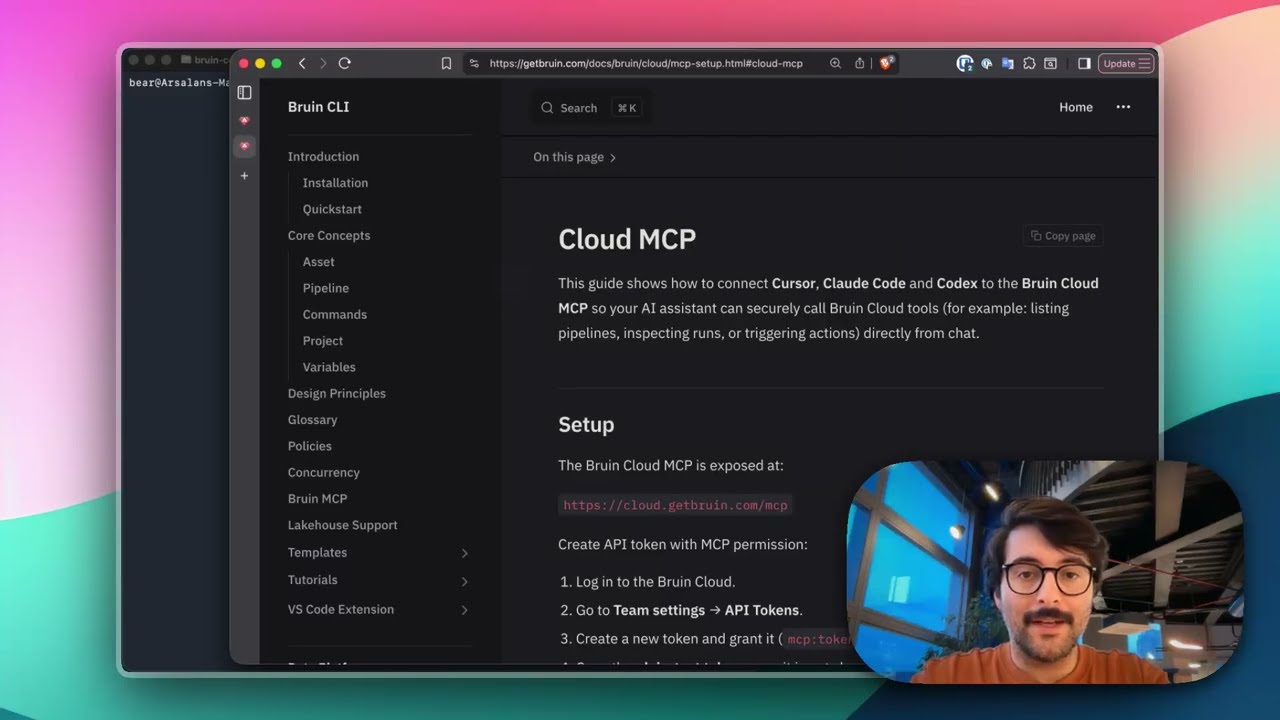
Connect Bruin Cloud MCP to Claude Code
Set up the Bruin Cloud MCP so your AI agent can query pipelines, inspect runs, and trigger actions in Bruin Cloud directly from your terminal.
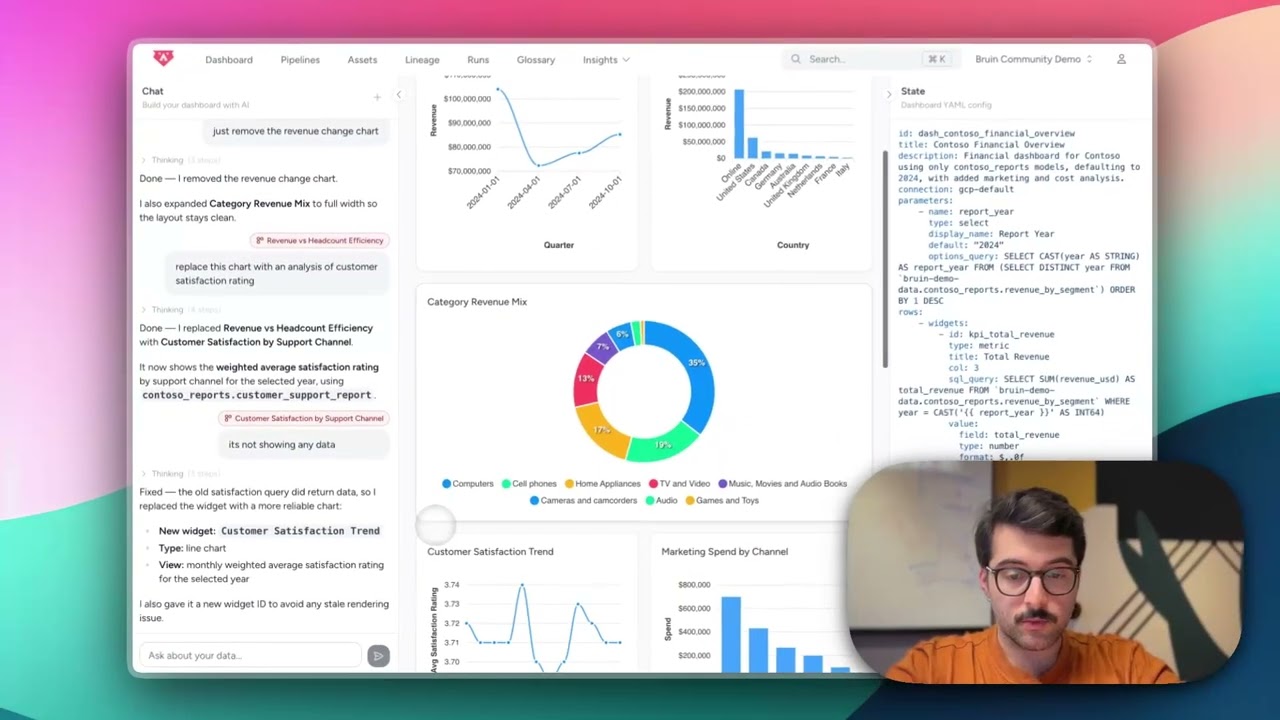
Build Dashboards with an AI Agent
Use the Bruin Cloud AI agent to build interactive dashboards from natural language prompts - generate queries, create charts, and ask follow-up questions in one place.
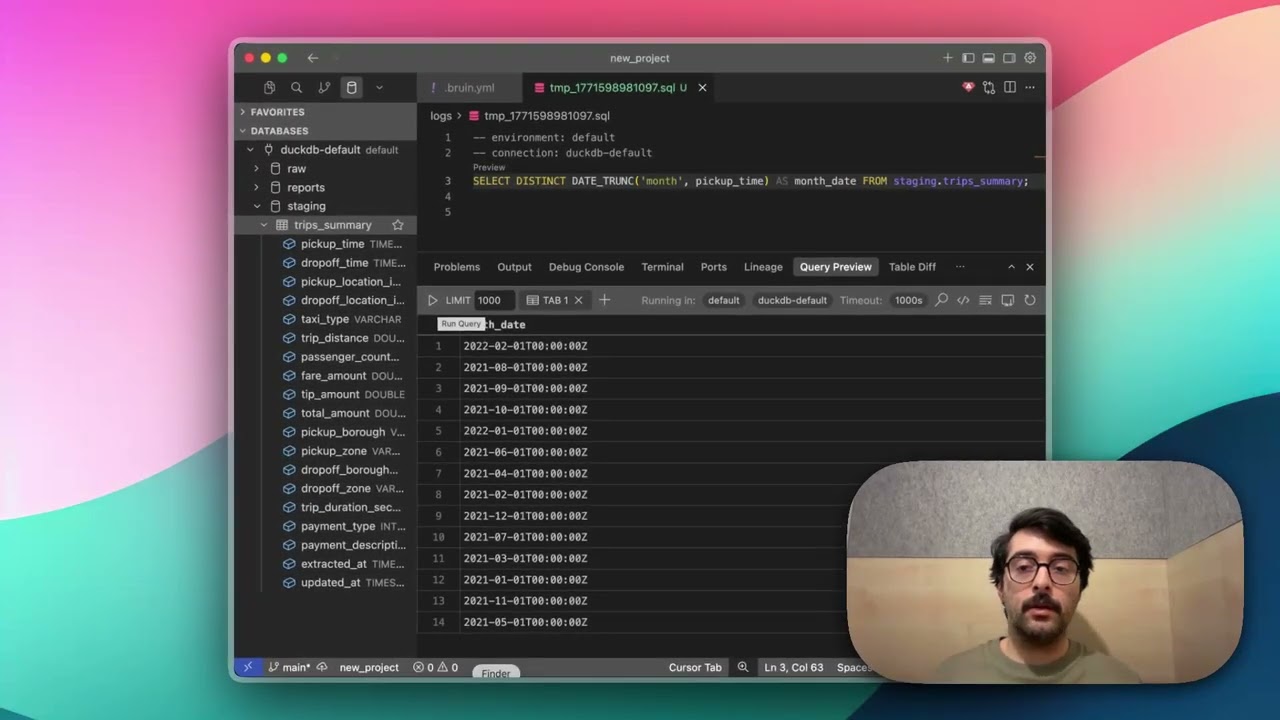
Query Databases from Your IDE
Use the Bruin extension's built-in database viewer to browse tables, view schemas, and run queries across all your connections without leaving VS Code.