Set Up Bruin MCP with Claude Code
Install the Bruin MCP in Claude Code to give your AI agent full access to the Bruin CLI - query data, run assets, and build pipelines using natural language.
Overview
Goal - Install the Bruin MCP in Claude Code so the AI agent can use the Bruin CLI, query your data, run assets, and understand your pipelines.
Audience - Data engineers who want to accelerate their workflow by giving Claude Code full access to Bruin's capabilities.
Prerequisites
- Bruin CLI installed
- Claude Code installed
- A Bruin project with at least one pipeline (initialize with
bruin init duckdbif needed)
Steps
1) Add the Bruin MCP to Claude Code
Run this command in your terminal:
claude mcp add bruin -- bruin mcp
This registers the Bruin MCP server so Claude Code can access all Bruin CLI functionality.
2) Open Claude Code in your project
Navigate to your Bruin project directory and start Claude Code. It will see your pipelines and understand the project context.
3) Ask about your pipelines
Try asking a question about your project:
"In the weather pipeline, how many assets are there?"
The agent uses the Bruin MCP to inspect your pipeline and returns a list of assets.
4) Run assets
Ask the agent to execute assets:
"Do a full refresh of the staging assets."
The agent knows how to use the bruin run command with the correct flags and will execute the run for you.
5) Query your data
Ask analytical questions and the agent will figure out which bruin query command to use:
"Which day had the coldest temperature?"
The agent generates the appropriate SQL, runs it via bruin query, and returns the results.
What the Bruin MCP enables
Once installed, your AI agent can:
- Query data across all your configured databases
- Run and manage assets using the full
bruin runcommand - Inspect pipelines to understand structure and dependencies
- Build new pipelines by generating asset definitions
- Compare tables across environments using data-diff
Helpful links
More tutorials
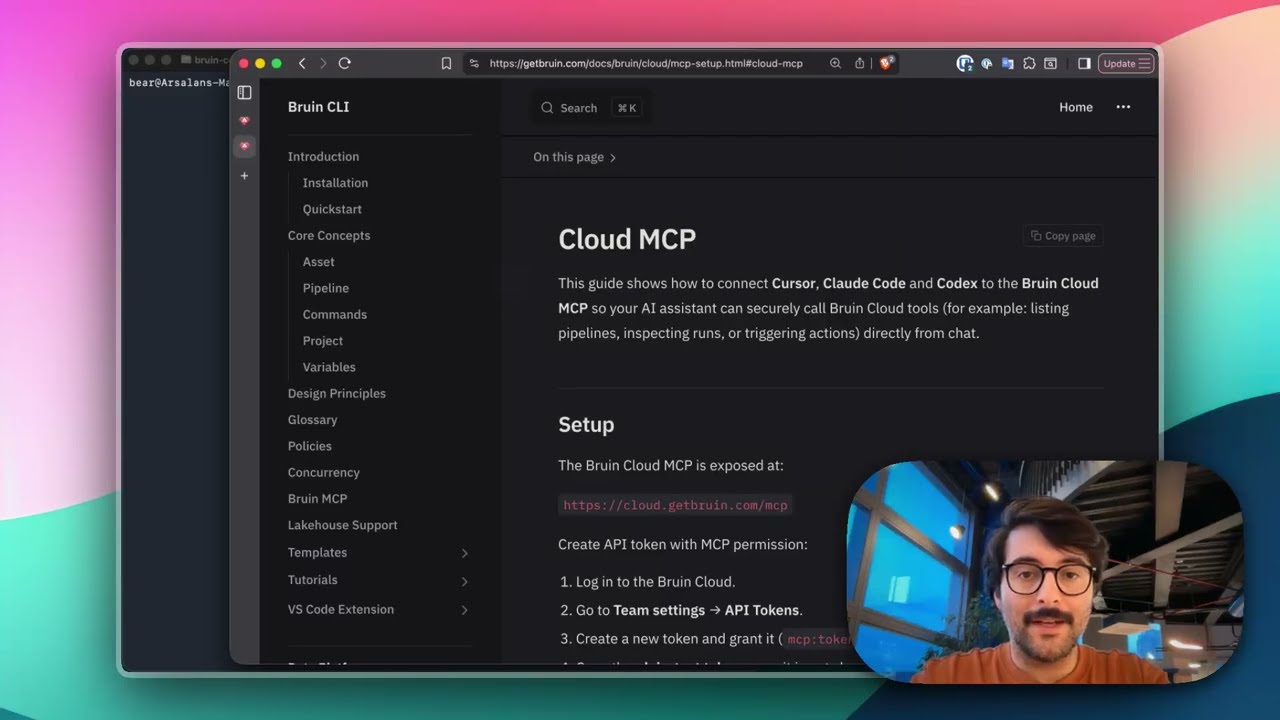
Connect Bruin Cloud MCP to Claude Code
Set up the Bruin Cloud MCP so your AI agent can query pipelines, inspect runs, and trigger actions in Bruin Cloud directly from your terminal.
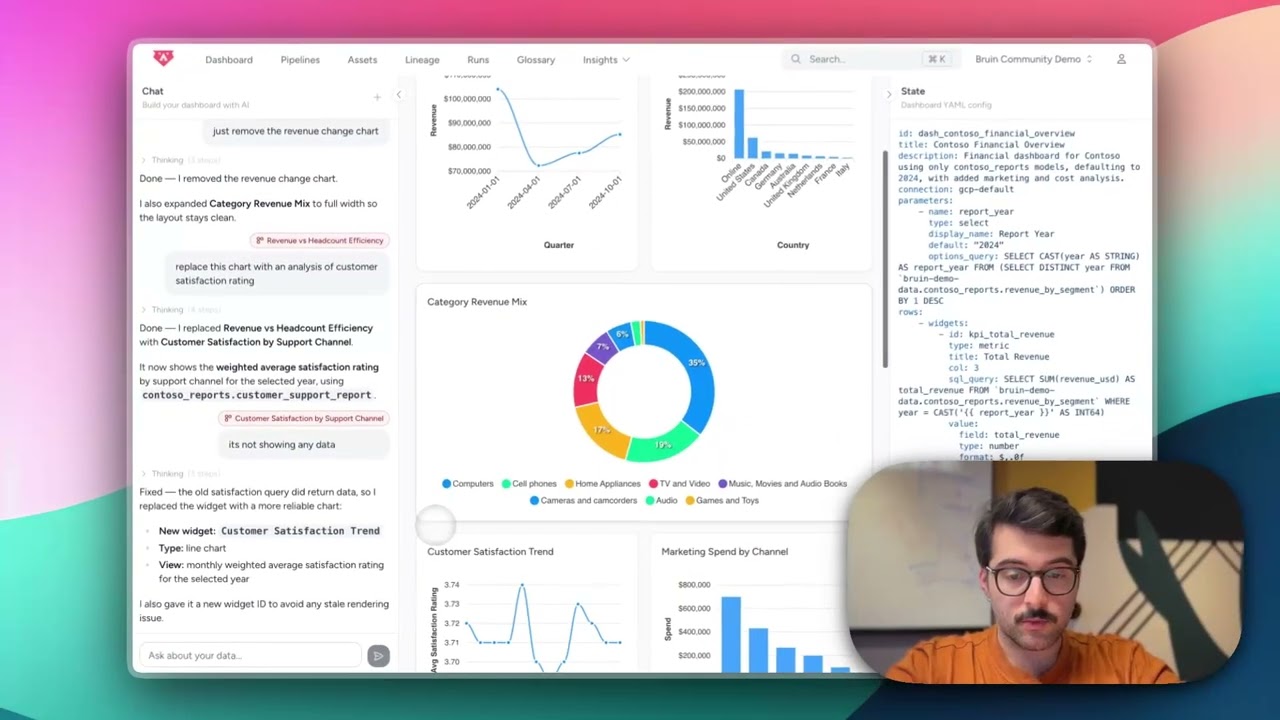
Build Dashboards with an AI Agent
Use the Bruin Cloud AI agent to build interactive dashboards from natural language prompts - generate queries, create charts, and ask follow-up questions in one place.
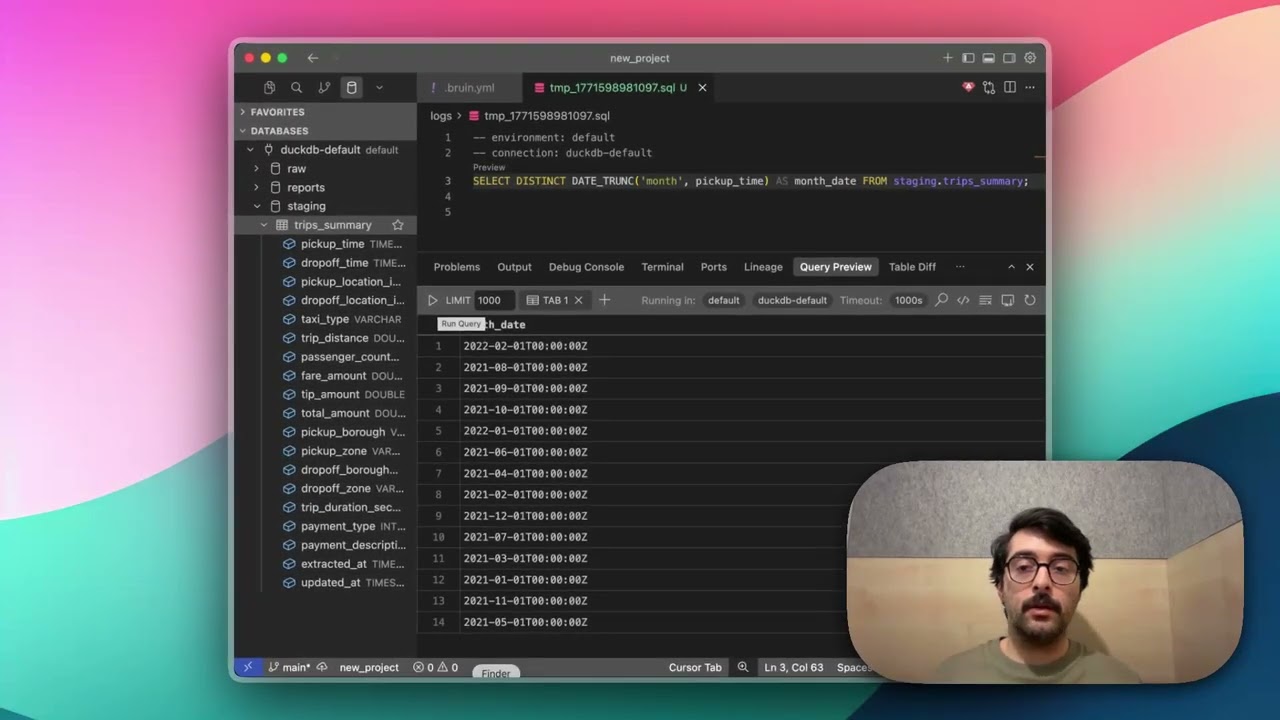
Query Databases from Your IDE
Use the Bruin extension's built-in database viewer to browse tables, view schemas, and run queries across all your connections without leaving VS Code.