Validate Pipelines Before Deploying
Use bruin validate to check pipeline configurations, asset definitions, SQL syntax, dependency issues, and circular dependencies before deploying.
Overview
Goal - Use bruin validate to catch configuration errors, syntax issues, and dependency problems before running or deploying your pipelines.
Audience - Anyone building pipelines with Bruin who wants to catch errors early.
Prerequisites
- Bruin CLI installed
- A Bruin project with at least one pipeline
What validate checks
The bruin validate command checks your pipeline for:
- Environment configuration - Ensures your environments are set up correctly
- Asset definitions - Validates asset types and required fields
- SQL syntax - Checks query syntax (dry-run on BigQuery and Snowflake)
- Dependencies - Verifies that referenced assets exist
- Circular dependencies - Detects cycles in your DAG
Steps
1) Validate from the VS Code panel
Open any asset in the editor and click Validate from the Bruin panel. This runs validation on the entire pipeline.
2) Check for syntax errors
If your SQL query has a syntax error, validate will flag it immediately. Fix the issue and re-run to confirm.
3) Check for invalid asset types
If an asset has an incorrect type (e.g. a misspelled materialization type), validate will report the invalid asset type.
4) Check for missing dependencies
If an asset declares a dependency on another asset that doesn't exist (e.g. asset_4 when only asset_1, asset_2, asset_3 exist), validate will catch this.
5) Check for circular dependencies
If asset_1 depends on asset_3 and asset_3 depends on asset_2 which depends on asset_1, validate will detect this circular dependency and report it.
6) Run from the terminal
You can also run validate from the CLI:
# Validate the current directory
bruin validate

# Validate a specific path
bruin validate path/to/pipeline

# Output as JSON
bruin validate --output json
Key takeaways
- Always validate before deploying to catch errors early
- Validate works from both the VS Code extension panel and the terminal
- It catches syntax errors, missing dependencies, circular dependencies, and configuration issues
Helpful links
More tutorials
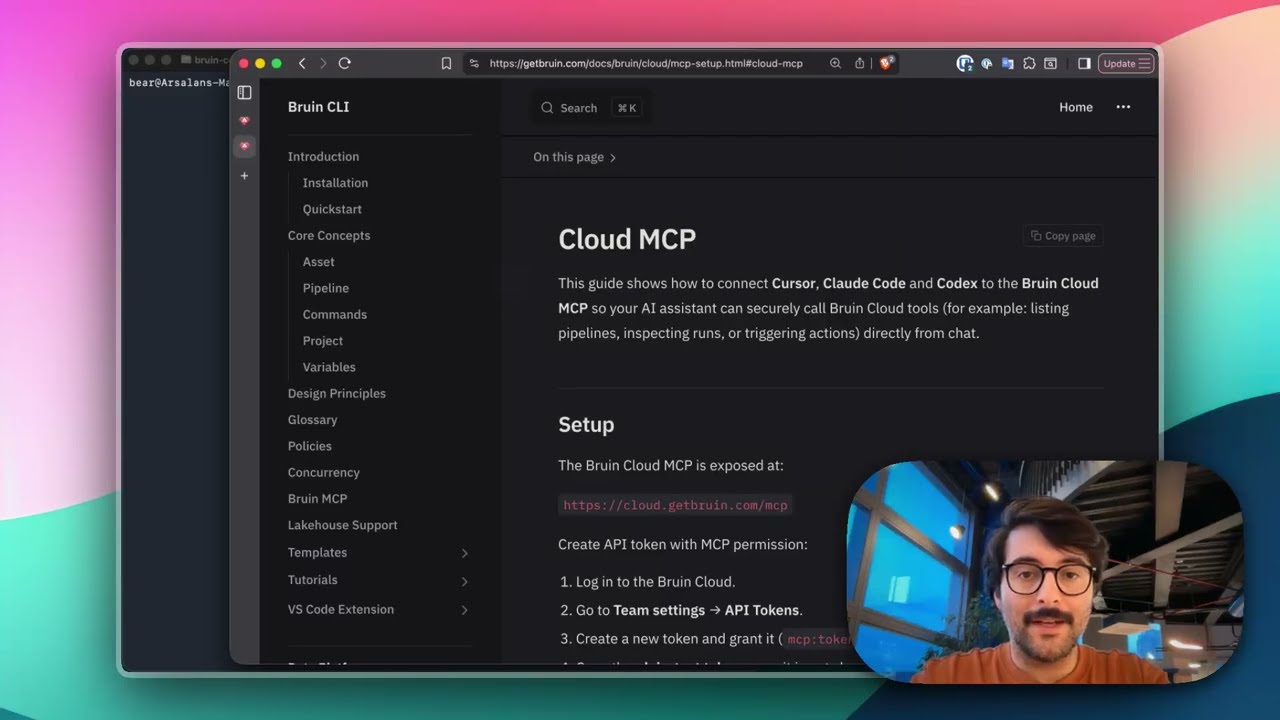
Connect Bruin Cloud MCP to Claude Code
Set up the Bruin Cloud MCP so your AI agent can query pipelines, inspect runs, and trigger actions in Bruin Cloud directly from your terminal.
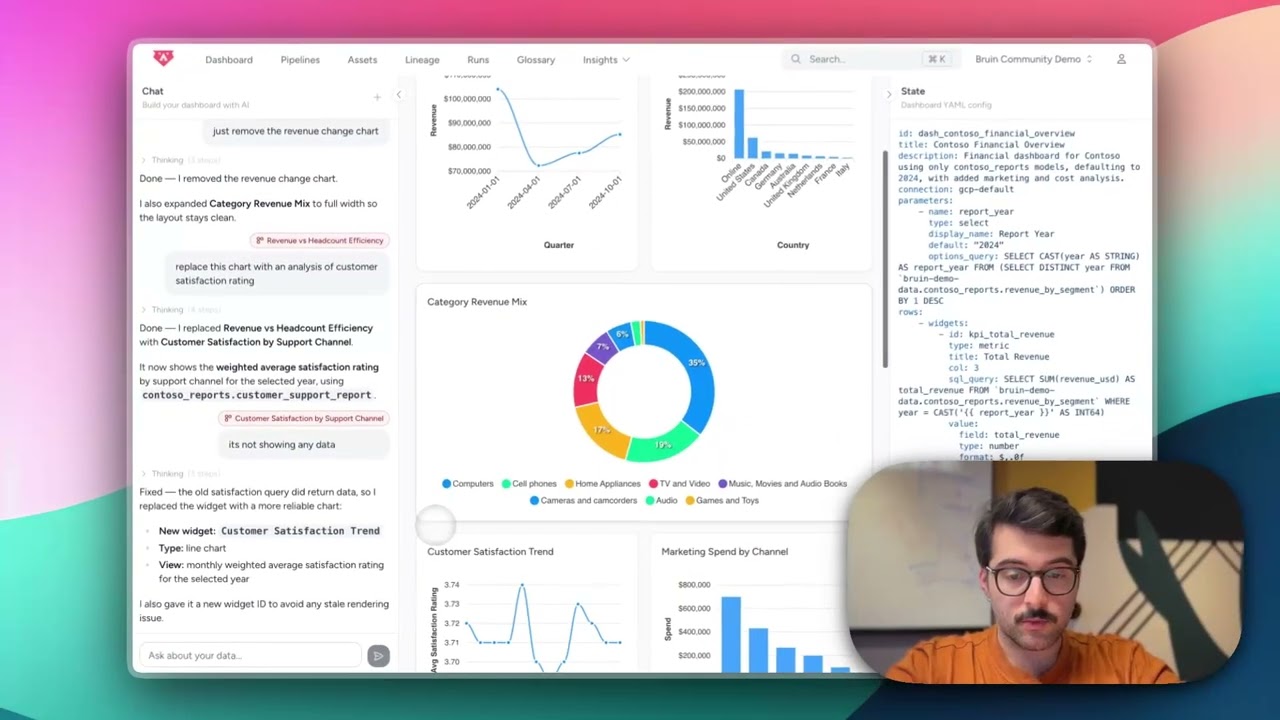
Build Dashboards with an AI Agent
Use the Bruin Cloud AI agent to build interactive dashboards from natural language prompts - generate queries, create charts, and ask follow-up questions in one place.
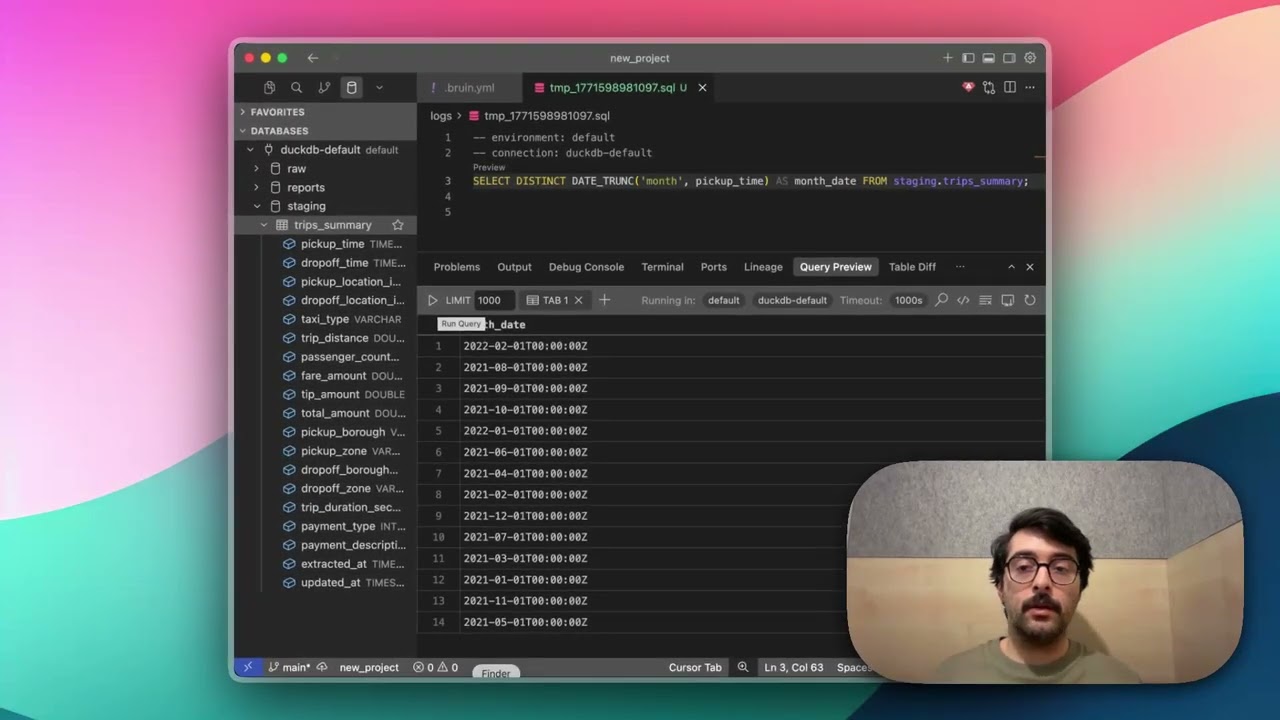
Query Databases from Your IDE
Use the Bruin extension's built-in database viewer to browse tables, view schemas, and run queries across all your connections without leaving VS Code.