validate Command
The validate command checks the Bruin pipeline configurations for all pipelines in a specified directory or validates a single asset. It ensures that the configurations meet specific requirements and are properly configured for the selected environment.
Usage
bruin validate [path to pipelines] [flags]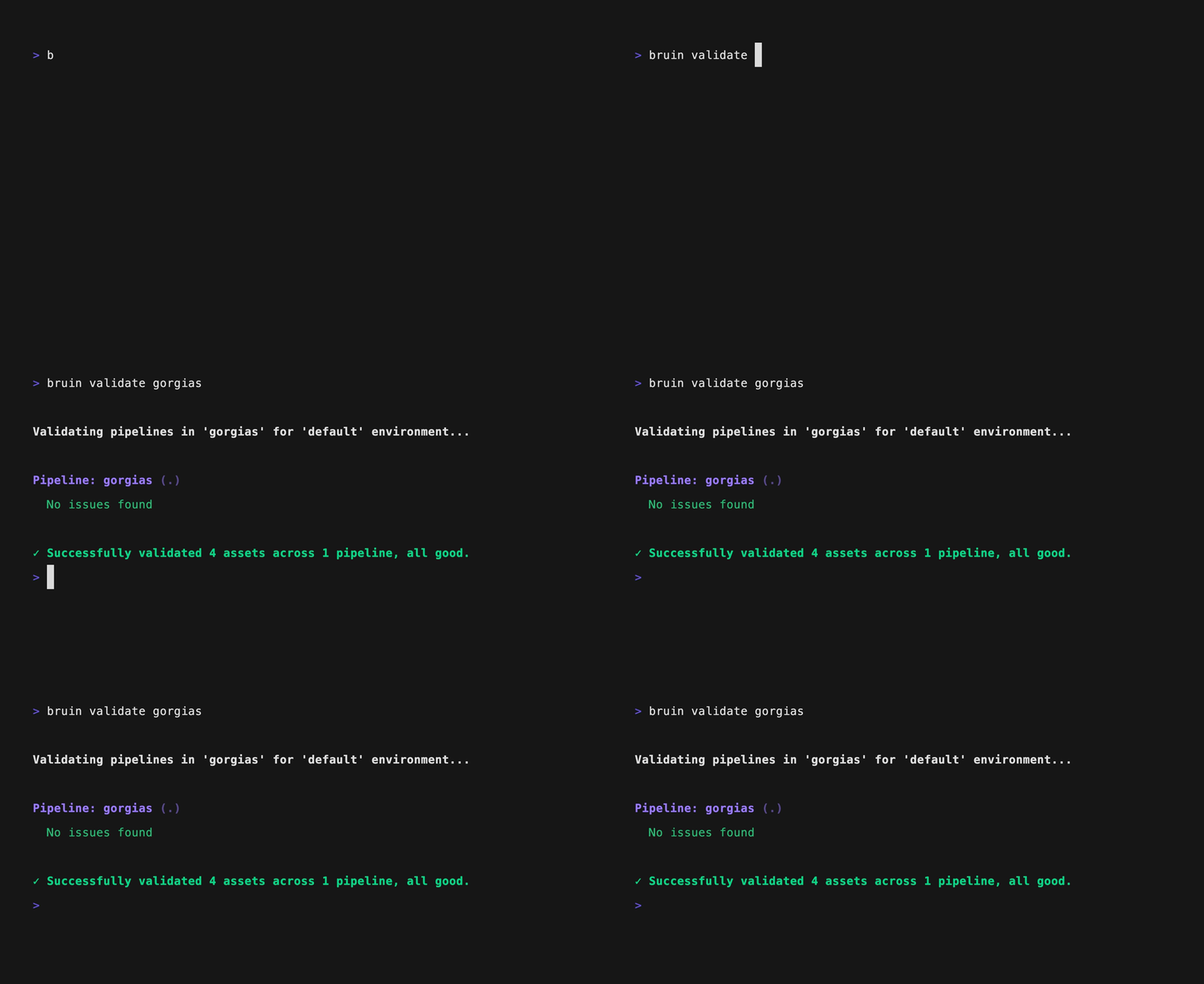
Arguments:
- [path to pipelines]: Path to the pipeline directory or a specific asset. Defaults to the current directory (".") if not provided.
Flags:
| Flag | Alias | Description |
|---|---|---|
--environment | -e, --env | Specifies the environment to use for validation. |
--force | -f | Forces validation even if the environment is a production environment. |
--output [format] | -o | Specifies the output type, possible values: plain, json. |
--exclude-warnings | Excludes warnings from the validation output. | |
--config-file | The path to the .bruin.yml file. | |
--exclude-tag | Excludes assets with the given tag from validation. | |
--var | Override pipeline variables with custom values. | |
--fast | Runs only fast validation rules, excludes some important rules such as query validation. | |
--exclude-paths | Excludes the given paths from the folders that are searched during validation. | |
--full-refresh | Validate with full refresh mode enabled. |
Variable Schema Warnings
Pipeline validation checks custom variable schemas and values as warnings, including with --fast. Each variable is checked independently, and values from --var or --variant are checked in place of the declared defaults. These warnings do not change the exit status or block bruin run. Missing variable defaults remain errors, as before.
Legacy int types and unquoted YAML null types are normalized only for this check; runtime values and exported schemas are unchanged. Variables with $ref schemas are skipped with a warning, without resolving local, file, or network references. Use --exclude-warnings to skip these checks.
Dry-run Validation
One of the beneficial features of the validate command is the ability to perform a dry-run validation on the destination data platform. This means, effectively Bruin runs a dry-run version of the query to ensure that the query is valid and can be executed on the destination data platform. This gives a very strong peace of mind in terms of the accuracy of the queries from a syntactical and semantical perspective, and also ensures that the query can be executed on the destination data platform.
Dry-run is automatically enabled for BigQuery and Snowflake.
Semantic models in the repository-level semantic/ directory are also validated. Model structure is checked on every run, including --fast and asset-scoped validation. Dedicated source.query values and parenthesized source.table subqueries are dry-run against a pipeline SQL connection when one is available.
However, there are also scenarios where dry-run is not the best suited tool:
- Dry-run requires all the tables/views to be there, which means if you are running validation on a table that you haven't created yet, it'll fail.
- Due to the same reason, dry-run will also fail if you are adding a new column to a table and its upstream, but you haven't created them in the destination yet.
In the end, it is better to treat dry-run as an extra check, and accept that it might give false negatives from time to time.
Examples
1. Validate all pipelines in the current directory:
bruin validate2. Validate with JSON output:
bruin validate --output json3. Validate a specific asset:
bruin validate path/to/specific-asset4. Validate while excluding specific paths:
bruin validate --exclude-paths path/to/exclude1 --exclude-paths path/to/exclude2