clean Command
The clean command is used to remove temporary artifacts related to Bruin.
It currently:
- clears Bruin's runtime home (
BRUIN_HOMEwhen set, otherwise~/.bruin), including cached virtual environments and downloaded tools - removes the
logsdirectory from the project root
Use a dedicated directory for BRUIN_HOME: clean removes its contents. Cleaning does not delete the original files left in legacy locations by migration, and the old ~/.bruin contents are not copied back on the next run.
Usage
bash
bruin clean [path-to-project-root]path-to-project-root (optional): Specifies the path to the root of the project. If omitted, the current directory (.) is used as the default.
Example
Cleaning the current directory
bash
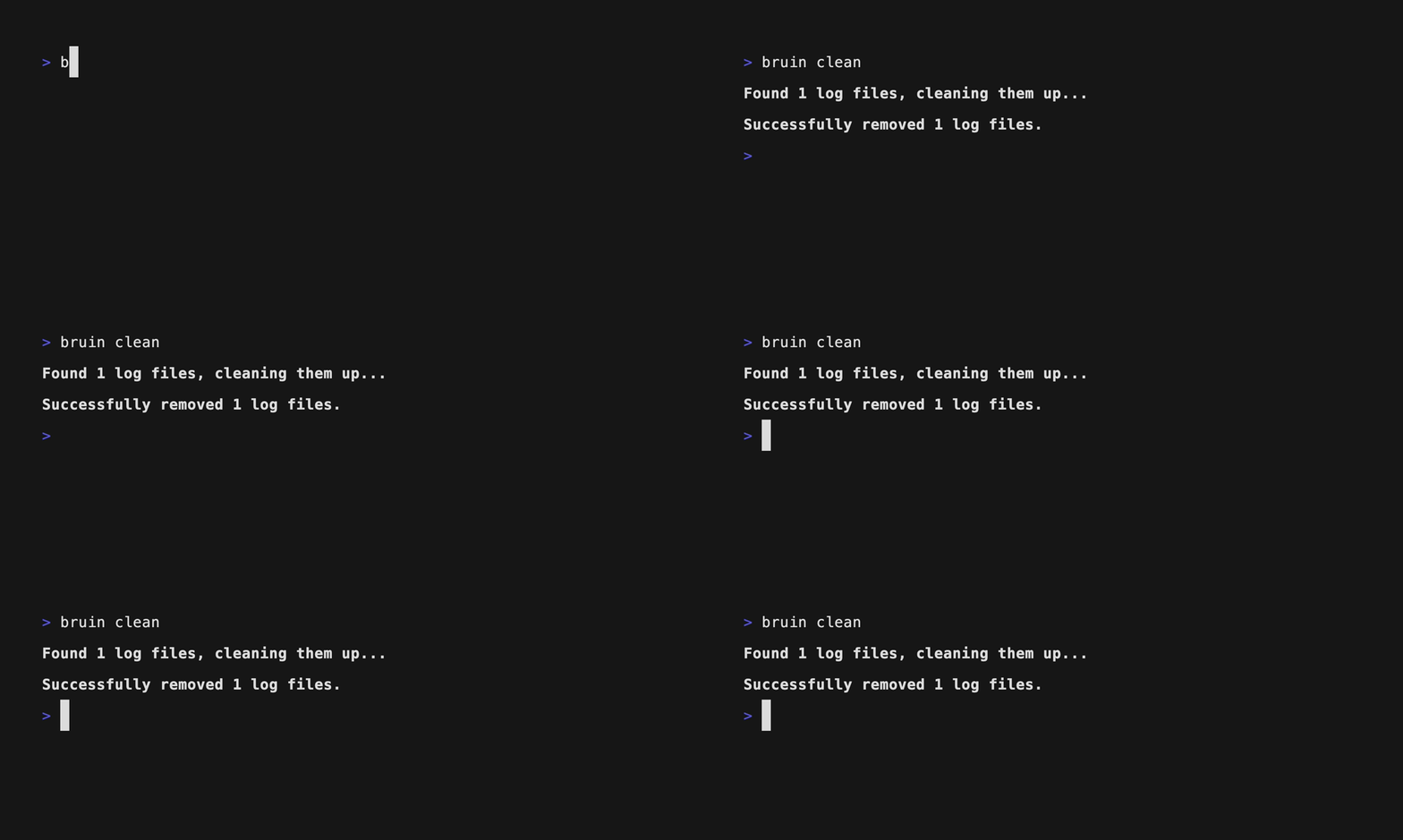
bruin cleanOutput
Flags
| Flag | Type | Default | Description |
|---|---|---|---|
--uv-cache, --uv | bool | false | Clean uv caches. |
Adding the flag uv-cache will remove all cached uv packages and metadata that were stored during previous installs or dependency resolutions. You will be prompted to confirm whether you want to proceed:
bash
"Are you sure you want to clean uv cache? (y/N): "