Step 3-3 min

Set Up the Bruin MCP

Connect your AI coding assistant to Bruin so it can query data, build pipelines, and look up documentation.

What you'll do

Set up the Bruin MCP (Model Context Protocol) for your AI coding tool so it can interact with your pipelines and data directly.

Why this step matters

The Bruin MCP gives your AI assistant superpowers. Instead of copy-pasting schemas and error messages, your AI tool can query your data warehouse, inspect your pipeline structure, run Bruin commands, and look up documentation - all on its own. This makes AI-assisted pipeline development dramatically faster.

Note

This step is optional. You can build pipelines without an AI assistant, but the MCP makes the experience much smoother - especially for the guides in Academy that use AI prompts.

Instructions

1) Claude Code

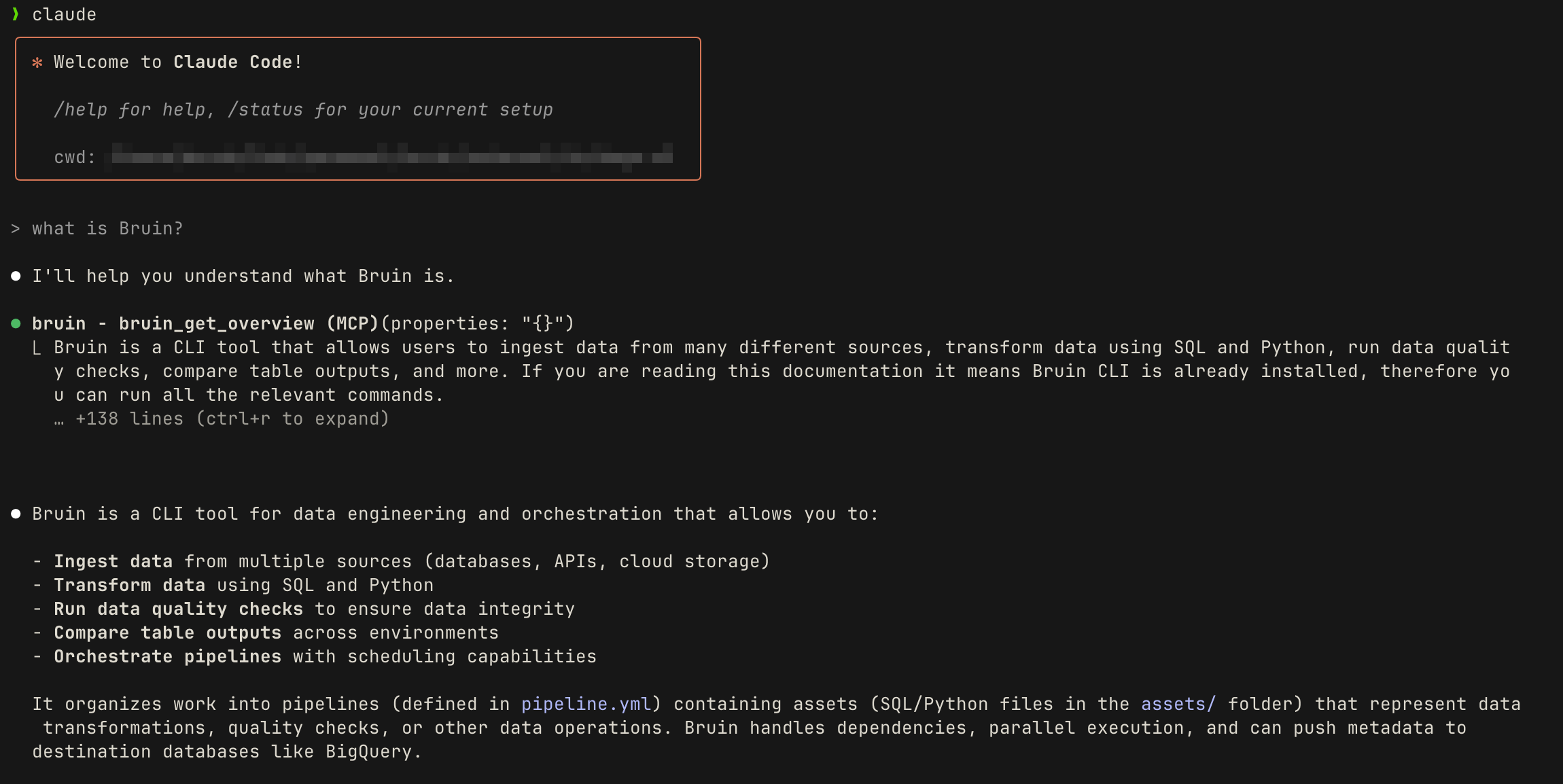
Bruin MCP with Claude

Run this command in your terminal:

claude mcp add bruin -- bruin mcp

Restart Claude Code for the MCP to take effect.

To verify, open Claude Code in a Bruin project directory and ask:

What connections are available in this Bruin project?

Claude should find and list your connections from .bruin.yml.

For a deeper walkthrough, see Set Up Bruin MCP with Claude Code.

2) Cursor

Go to Settings > MCP & Integrations > Add Custom MCP, then add:

{
  "mcpServers": {
    "bruin": {
      "command": "bruin",
      "args": ["mcp"]
    }
  }
}

Restart Cursor after saving.

3) VS Code (Copilot)

Add the following to your mcp.json file:

  • macOS: ~/.vscode/mcp.json
  • Windows: %APPDATA%\Code/mcp.json
  • Linux: ~/.config/Code/mcp.json
{
  "servers": {
    "bruin": {
      "type": "stdio",
      "command": "bruin",
      "args": ["mcp"]
    }
  }
}

Alternatively, open the Command Palette (Cmd+Shift+P / Ctrl+Shift+P), select Add MCP, choose Command (stdio), enter bruin mcp, then restart VS Code.

4) Codex CLI

Add the following to ~/.codex/config.toml:

[mcp_servers.bruin]
command = "bruin"
args = ["mcp"]

5) Windows users

On Windows, you may need to use the full path to the Bruin executable instead of just bruin. Find it by running this in Git Bash:

which bruin

Then replace "bruin" with the full path (e.g. "/c/Users/you/.local/bin/bruin") in the MCP configuration for your tool.

What just happened

Your AI coding assistant is now connected to Bruin. It can query your data, inspect pipeline structure, run commands, and look up Bruin documentation. You're fully set up and ready to start building pipelines.