Manage notifications in Cloud
Create alert rules for your pipelines and assets, and choose where each notification goes.
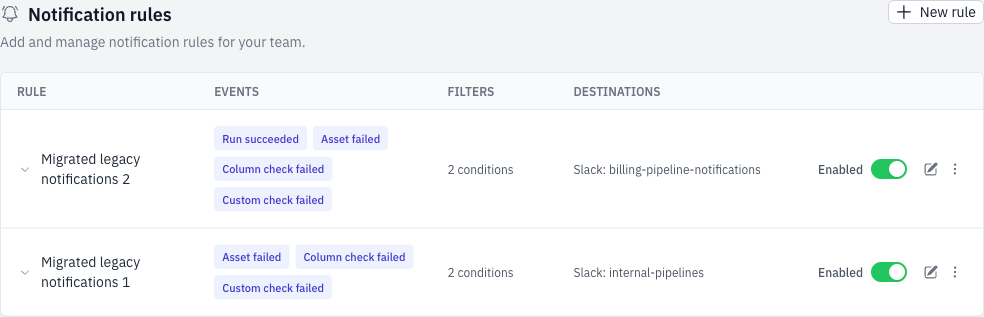
Notification rules are available in Team Settings. Choose the events you care about, narrow down which pipelines and assets they apply to, and select where the alerts are delivered. You can manage your rules directly in Bruin Cloud.
Set up your first rule
- Open Team Settings → Notifications in Cloud and select New rule.
- Choose your events and filters. For example, send an alert when an asset fails in your daily reporting pipeline.
- Select your notification destinations, then save and enable the rule.
Need a similar rule for another pipeline? Duplicate an existing rule and adjust its filters. You can also disable a rule without deleting it.