Cloud AI Agent
Chat with an AI Agent
Use Bruin Cloud's chat to ask an AI agent about your data, generate reports, and run Bruin Cloud CLI tasks like pipeline status and history.
Use the chat
1) Open chat
From the AI menu, navigate to Chats.
2) Pick an agent
Use the dropdown to select the agent you want to talk to. Each agent comes with the project, connection set, integrations, and system prompt you configured for it.
3) Send a prompt
Type your question in the message box and send it.
A useful first prompt is to ask the agent what it has access to and what kind of data you can ask about. This makes it explore its environment and surface what's available before you dig in.
4) How the agent works under the hood
When you send a prompt, the agent:
- Spins up a sandbox environment.
- Clones the repo of the project it's connected to.
- Reads your pipelines, assets, and any
AGENTS.mdor instruction files. - Builds a memory of that context so it can answer questions in the right scope.
- Uses the agent's connection set to query the data warehouse - typically starting by inspecting the schema and mapping out available tables.
More guides

Chat with an AI Agent
Use Bruin Cloud's chat to ask an AI agent about your data, generate reports, and run Bruin Cloud CLI tasks like pipeline status and history.
Configure AI Agents
Create and configure AI agents in Bruin Cloud - pick a project, add messaging integrations, attach a connection set, and set permissions.
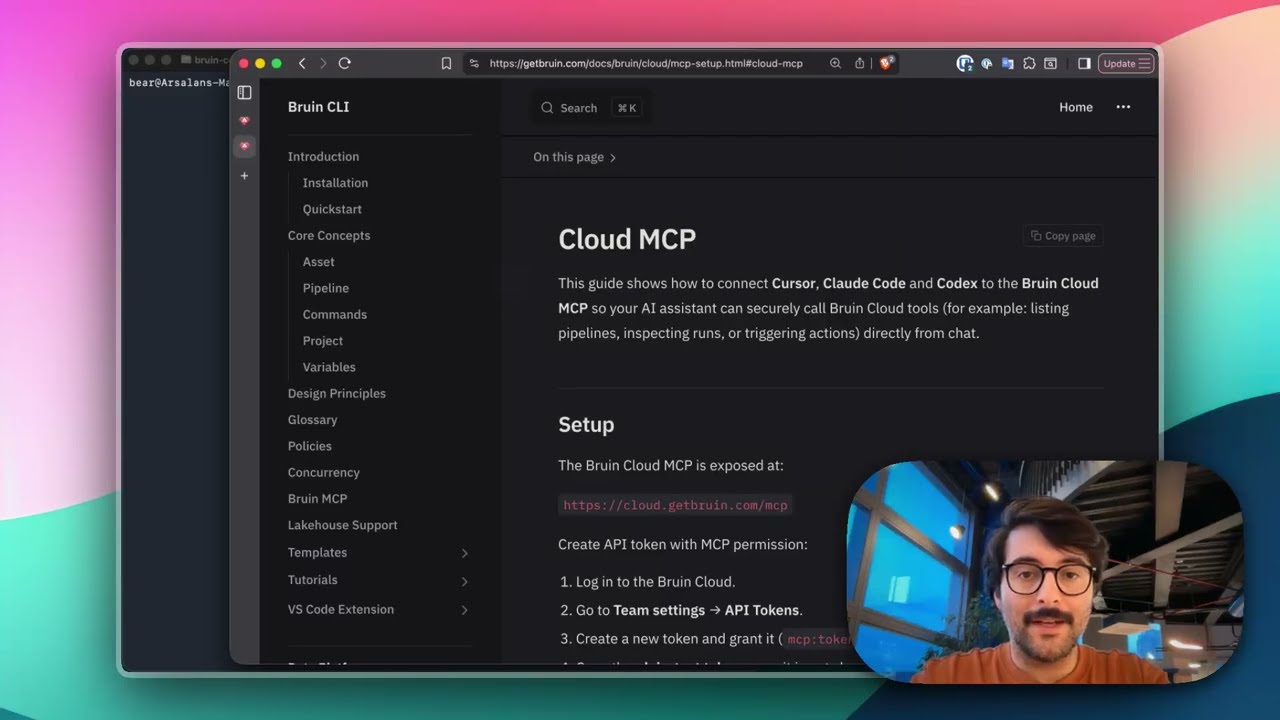
Connect Bruin Cloud MCP to Claude Code
Set up the Bruin Cloud MCP so your AI agent can query pipelines, inspect runs, and trigger actions in Bruin Cloud directly from your terminal.