Bruin Academy
Guide
Dashboards as Code with Bruin DAC
Go from an empty folder to a live, AI-editable analytics dashboard on localhost in under twenty minutes. Author dashboards as YAML, query a real DuckDB, and let the in-browser AI assistant build new charts for you.
What
Build a local dashboards-as-code workspace with DAC, DuckDB, and YAML dashboards. You will define dashboards as text files, version-control them with the rest of your project, and serve them locally with live reload.
By the end, you will be able to:
- Scaffold a DAC project and point it at a DuckDB file you already have
- Author a dashboard with metrics, charts, and filters from YAML or TSX
- Run
dac serveand use the in-browser AI chat to add or modify charts
How
You will install DAC, initialize a starter project, connect the generated .bruin.yml to DuckDB, author your first dashboard, then run the local server and use the built-in AI assistant to edit dashboard files.
Before you start
- macOS or Linux with a terminal
- A code editor for the YAML or TSX dashboard files you'll edit (by hand or with the AI agent)
- Optional - a
.duckdbfile with a table you want to chart; the starter ships with a sample DuckDB if you don't have one yet - Optional - an LLM provider configured locally if you want the in-browser AI chat to author dashboards for you
Guide overview
- 1Set up your DAC projectInstall DAC and scaffold a starter project with sample dashboards, a semantic model, and an AI agent skill - all from one command.
- 2Connect your DuckDBPoint .bruin.yml at a DuckDB file you already have, then verify the connection with dac connections and run an ad-hoc query through dac query.
- 3Author your first dashboardLearn the anatomy of a DAC dashboard - rows, widgets, filters, queries, templating - in both YAML and TSX. Write one against any table in your own database.
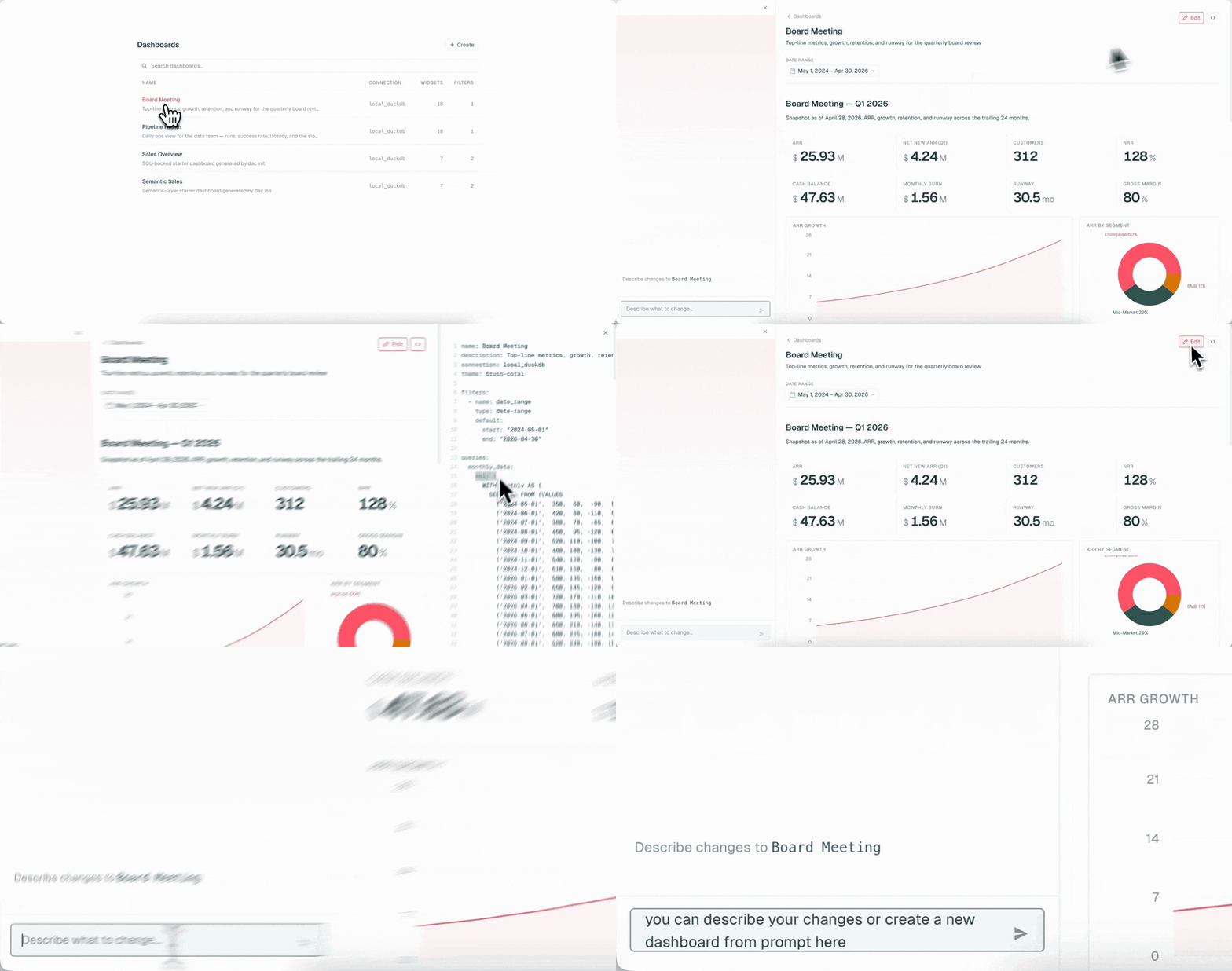
- 4Serve on localhost and chat with the AIRun dac serve to deploy your dashboards on localhost:8321, then use the in-browser AI chat to add new charts by typing what you want in plain English.
Get help & contribute