Initialize from a Template

Use bruin init to scaffold a pipeline from a template - either interactively or by specifying the template name directly.

What you'll do

Use bruin init to create a new pipeline project from a template, then explore the generated project structure.

Why this step matters

Templates eliminate boilerplate. Instead of manually creating configuration files, asset definitions, and pipeline configs, a single command gives you a working project with everything wired up. Understanding how to pick and use templates is the fastest way to start building with Bruin.

Instructions

1) Browse available templates

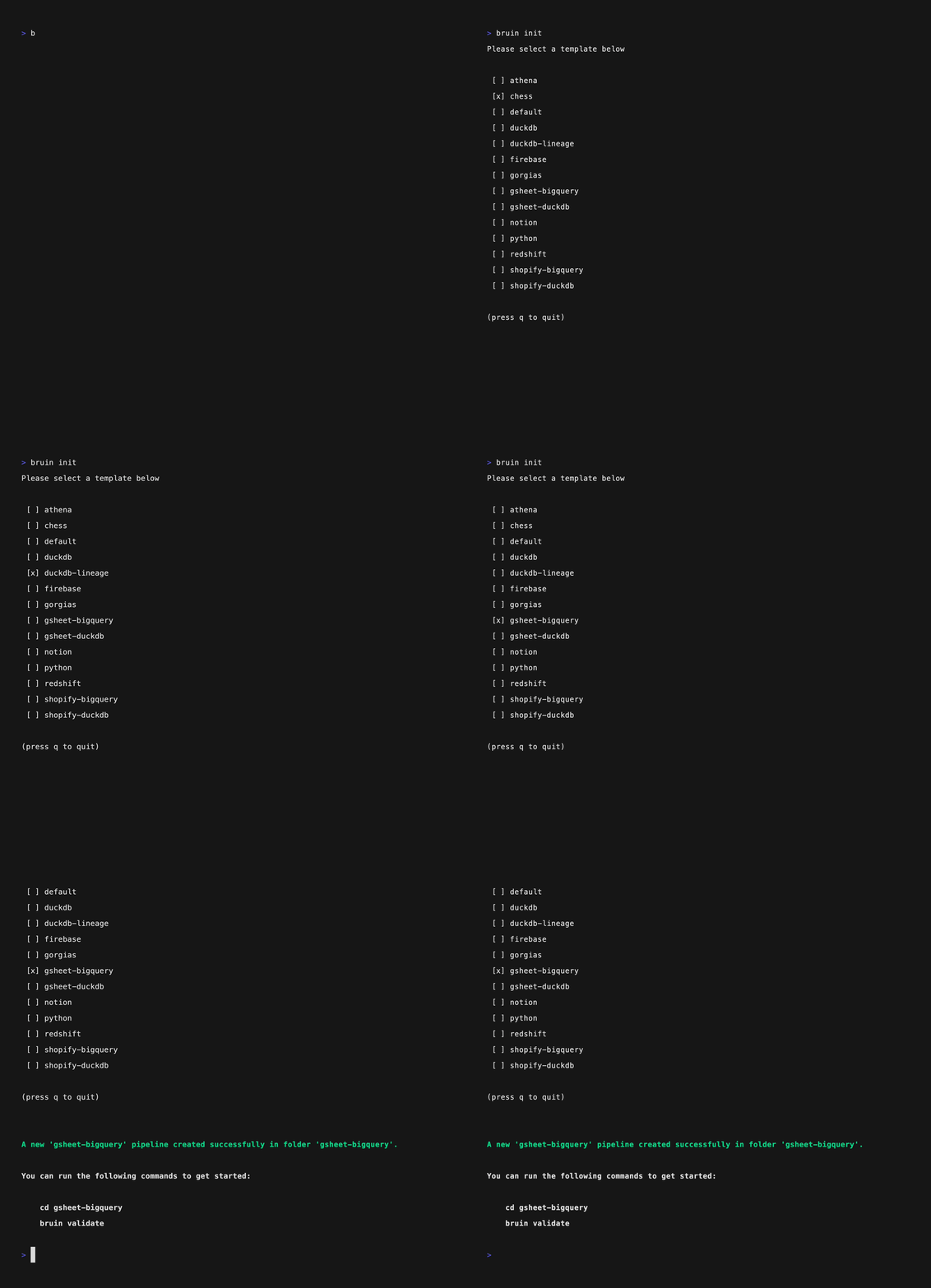
bruin init interactive wizard

Navigate to the folder where you want to create your project and run:

bruin init

You'll see an interactive menu listing all available templates. Use the arrow keys to browse through them and press Enter to select one.

Each template is designed for a specific use case - some pull data from APIs, others connect to databases like Oracle or PostgreSQL.

2) Initialize with a specific template

bruin init with template name

If you already know which template you want, skip the interactive menu by specifying the template name and folder directly:

bruin init frankfurter FXmetrics

This creates a project called FXmetrics from the frankfurter template. The Frankfurter template ingests foreign exchange rate data from the open Frankfurter API - no credentials needed.

3) Explore the project structure

After initialization, your project looks like this:

FXmetrics/
├── assets/
│   ├── fx_rates.asset.yml        # ingestr: fetches exchange rate data
│   └── exchange_rate_summary.sql # SQL: transforms the raw data
├── .bruin.yml                     # connections and environment config
├── pipeline.yml                   # pipeline name and defaults
└── README.md                      # template documentation

Key files:

  • .bruin.yml - Defines your connections and environments. The template pre-fills this with sensible defaults.
  • pipeline.yml - Sets the pipeline name and links it to the default connections.
  • Ingestr assets (.asset.yml) - Define where to pull data from and where to store it.
  • SQL assets (.sql) - Transform the ingested data into analytical views.

4) Review the configuration

Open .bruin.yml to see the pre-configured connections. The Frankfurter template typically sets up a DuckDB connection for local storage:

environments:
  default:
    connections:
      duckdb:
        - name: "duckdb-default"
          path: "fx.db"

Open pipeline.yml to see the pipeline configuration:

name: FXmetrics
default_connections:
  duckdb: "duckdb-default"

What just happened

You scaffolded a complete pipeline project from a template. The project has pre-configured connections, ingestr assets for data ingestion, and SQL assets for transformation. Next, you'll run the pipeline and explore the results.