Bruin CLI Step 1 of 2
Chess Data to DuckDB
1) Initialize the project
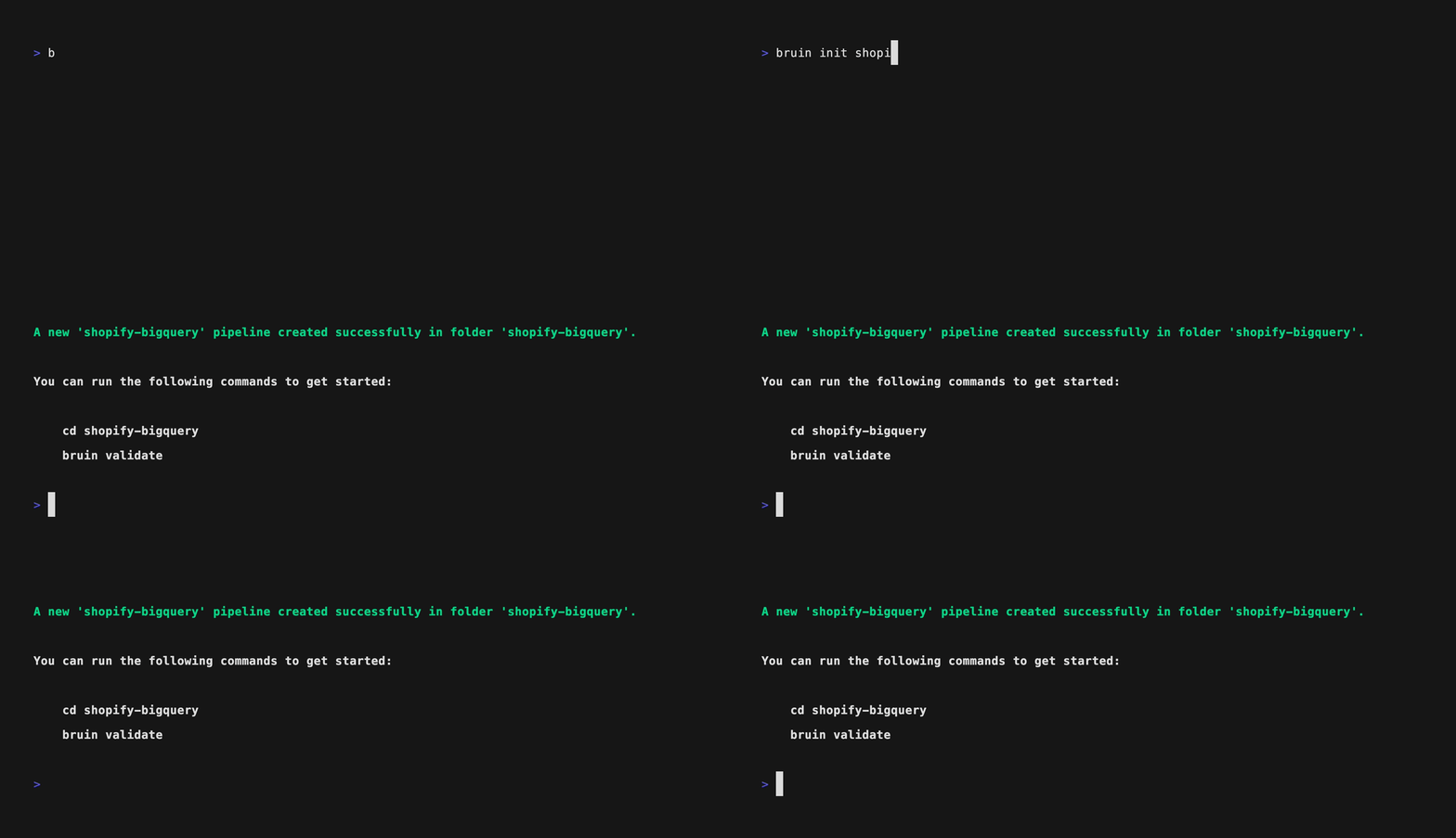
Run the following command to create a new project from the chess template:
bruin init chess
This scaffolds a complete project with the following structure:
chess/
├── assets/
│   ├── chess_games.asset.yml
│   ├── chess_profiles.asset.yml
│   └── player_summary.sql
├── .bruin.yml
├── pipeline.yml
├── .gitignore
└── README.md
The template includes everything you need: ingestion assets for chess data, a SQL transformation, and configuration files.