Bruin IDE Step 2 of 2
IDE Extension
1) Run a pipeline
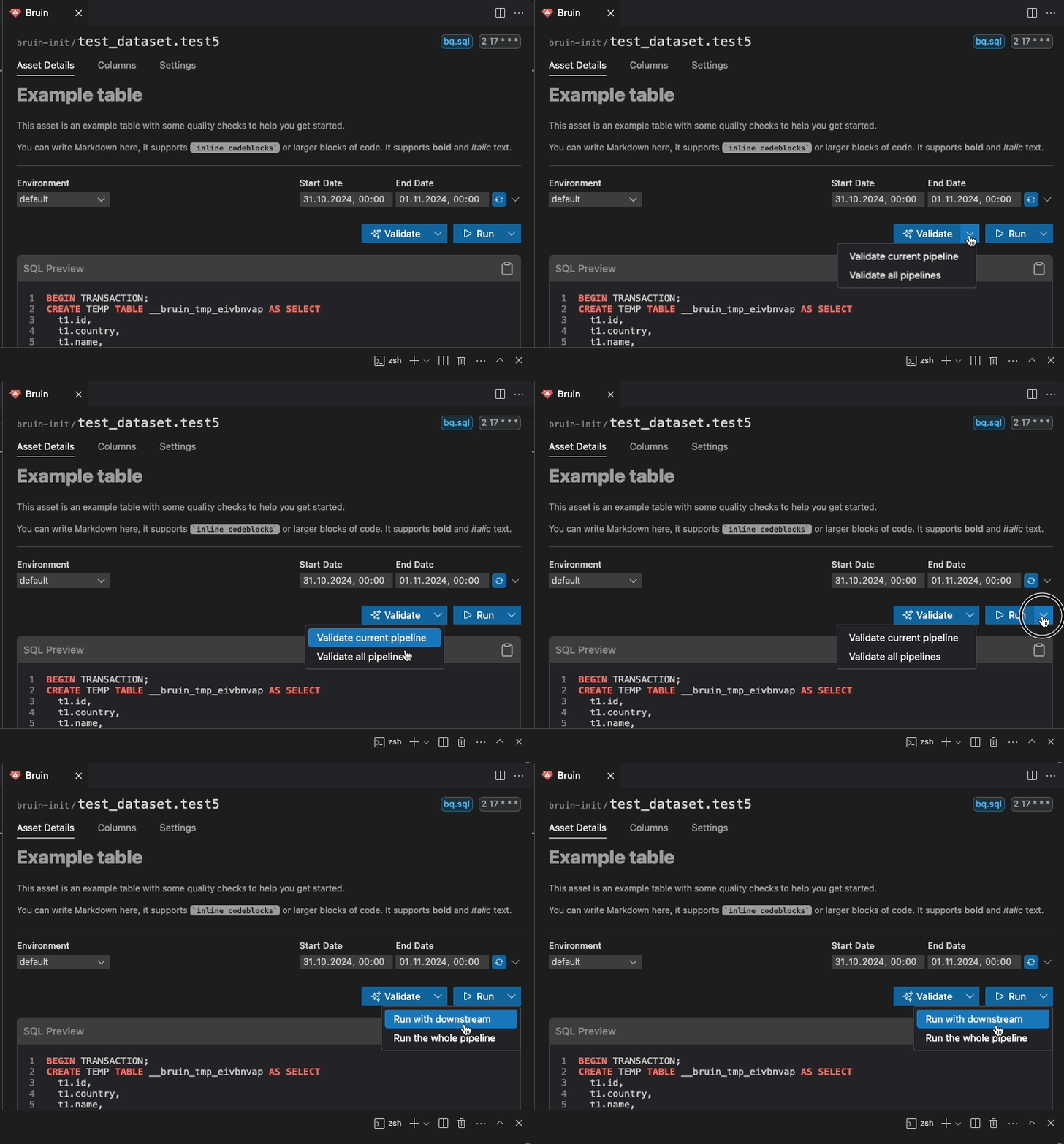
Click the Bruin icon in the sidebar to open the Bruin panel. You'll see controls for running your pipeline.
To run:
- Set the start date and end date for your data ingestion window
- From the dropdown menu, select Run for the whole pipeline
The extension executes bruin run under the hood and shows the progress in the output panel. You can also run individual assets by right-clicking on them.