TL;DR: "is it safe to give AI access to your data?" is the right question, and the honest answer is that safety lives in the controls around the AI, not in the model. The risks that actually matter are concrete: does the model train on your data, can it see PII it shouldn't, does every user inherit their existing permissions or does the AI become a back door, where does your data physically sit, and can you run the whole thing in your own environment. A safe deployment answers all five. It enforces role-based and row-level access so the AI can never show a user something they couldn't already query, blocks sensitive columns from responses, keeps data in your chosen region, logs every query for audit, and offers a self-hosted or open-source path when you don't want data leaving your walls. The AI doesn't earn trust by being clever. It earns it by being governed.
Every data leader has felt this particular hesitation. Connecting an AI analyst to your warehouse means, on paper, handing a language model the keys to your most sensitive tables: customer PII, revenue, salaries, health or payment data. The instinct to pause is correct. The mistake is concluding that the answer is simply "no".
Because the real question isn't "is AI safe?" any more than "is a database safe?" or "is a laptop safe?". A warehouse is only as safe as its access controls. A laptop is only as safe as its disk encryption and screen lock. An AI data analyst is only as safe as the permissions, boundaries, and audit trail wrapped around it. The technology isn't the variable. The controls are. So let's make the controls concrete.
The five questions that actually decide whether it's safe
Skip the vibes. Whether it's safe to connect an AI to your data comes down to five specific, answerable questions. If a vendor can't give you a crisp answer to each, that's your answer.
1. Does the model train on your data?
This is the first thing people worry about, and rightly. If your queries, your schema, or your results are used to train a shared model, your data can in principle leak into someone else's answers. Or it sits in a training pipeline you don't control.
The safe posture is unambiguous: your data is never used to train models, full stop. When an AI data analyst calls an LLM to translate a question into SQL, the model should see only what it needs to do that translation, under a zero-retention agreement, and none of it should be retained or used for training. Ask directly: "is any of our data, including schema and query results, used to train any model, yours or a provider's?" The answer you want is a flat no, in writing.
2. Can it see PII it shouldn't?
An AI analyst connected to your warehouse can, by default, read whatever its connection can read. That's the problem. You don't want a sales rep asking a casual question in a chat and getting back a list of individual customer emails and phone numbers.
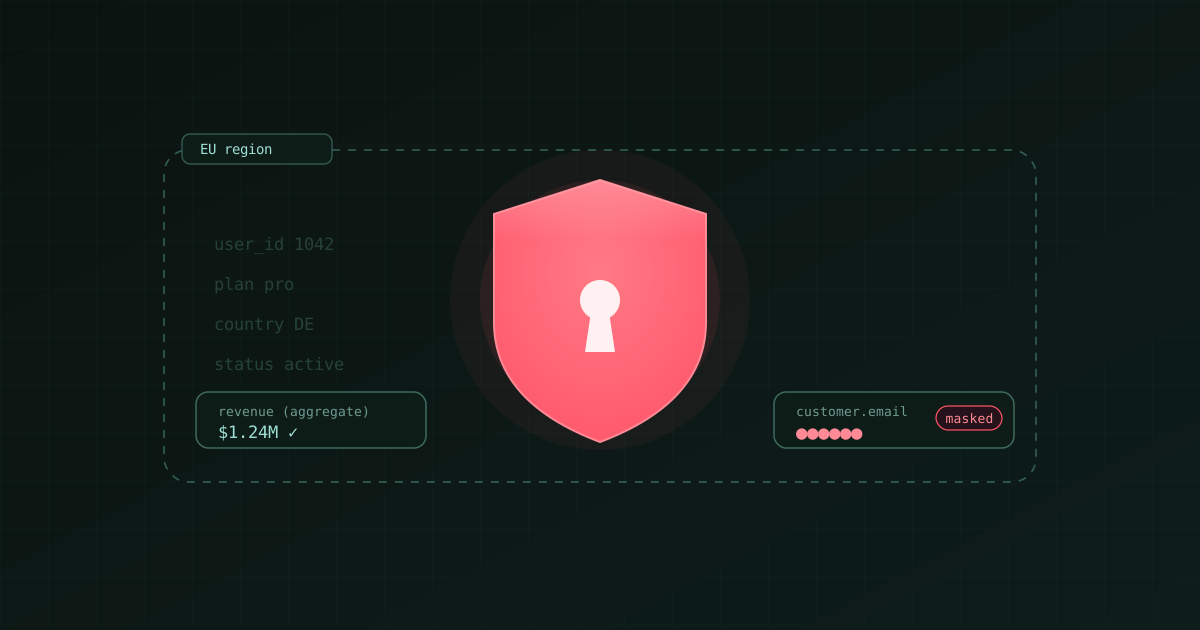
The control here is column-level restriction. A good tool lets you block specific columns (emails, phone numbers, payment details, national IDs) from ever appearing in an AI response, independent of the user's table-level permissions. The rep can get "revenue by region" all day, and simply cannot get "list every customer with their card number", because those columns are masked at the response layer. Aggregate, yes. Raw PII, no. You define which columns are sensitive once, and the boundary holds across every surface the AI runs on.
3. Does every user inherit their own permissions, or is the AI a back door?
This is the one people underestimate, and it's the most dangerous. If the AI queries your warehouse through a single service account with broad access, then anyone who can talk to the AI effectively has that broad access, regardless of what they're personally allowed to see. The AI becomes a permission-laundering machine.
The safe design maps every user to an identity with role-based access control, and the AI runs queries as that user's permissions. If Maria can only see EMEA data in the warehouse, she can only see EMEA data through the AI, whether she asks in the browser, in Slack, or on WhatsApp. There is no "the chatbot is a side door" risk. Row-level and role-based controls that already exist in your warehouse should be honored, not bypassed. And revoking someone (a departing employee, a contractor whose project ended) should be a single action that cuts their access across every surface at once.
4. Where does your data physically live?
For a lot of teams this is a hard legal requirement, not a preference. If you're bound by GDPR or a data residency clause, your data (and the processing of it) may need to stay in a specific region.
Ask where query execution and any stored context actually happen. A serious tool lets you pin your tenant to a region so that ingestion, SQL execution, and answer generation all stay there. EU data stays in the EU. The transport layer of whatever channel you use (Slack, WhatsApp) is a separate question you should also ask, but no customer data should be persisted outside your chosen region. Vague answers here are a red flag, because residency is either architected in or it isn't.
5. Can you run it in your own environment?
Sometimes the only acceptable answer to "where does the data go?" is "nowhere, it stays with us". Regulated industries, security-conscious enterprises, and teams with strict data-exfiltration rules often need the AI to run inside their own infrastructure.
This is where an open-source core and a self-hosting option matter. If the ingestion and transformation engine is open source and self-hostable, and the platform supports deploying in your own cloud or VPC, then the sensitive data never has to leave your walls. You're not asking a vendor to be trustworthy with your data. You're structurally preventing your data from going to the vendor in the first place. That's the strongest form of "safe" there is: not a promise, an architecture.
The audit trail is the part that makes it defensible
Even with all five controls in place, there's a sixth property that turns "we think it's safe" into "we can prove it": logging.
Every question asked, by whom, the SQL that was generated, the rows that came back, and the response that was sent, should be logged and exportable. This does two things. It lets your security team feed AI activity into their existing SIEM and compliance tooling like any other system. And it means that if something ever does go wrong, or an auditor asks, you have a complete, queryable record of exactly what the AI did and for whom. An AI you can't audit is an AI you're trusting blindly. An AI whose every action is logged is one you can actually govern.
This is also the quiet link between safety and correctness. The same transparency that lets you verify an answer is right (seeing the exact SQL it ran) is what lets you verify it did nothing it shouldn't have. Auditability serves both. If you want the correctness side of that story, we wrote about it separately in how do I know the AI's answer is correct.
A checklist before you connect any AI to your warehouse
Run any tool through this before you plug it in. These are pass/fail, not nice-to-haves.
- Training: Is our data, including schema and results, guaranteed never used to train any model? (Want: yes, in writing, zero-retention.)
- PII: Can we block specific sensitive columns from ever appearing in AI responses, regardless of table permissions?
- Permissions: Does the AI run as each user's own role-based and row-level permissions, so it can never reveal what that user couldn't already query?
- Revocation: Can we cut a user's access everywhere in one action?
- Residency: Can we pin all processing and storage to a specific region?
- Self-hosting: Is there an open-source or self-hosted path so sensitive data never leaves our environment?
- Audit: Is every query, user, and response logged and exportable to our security tooling?
A tool that passes all seven is one you can connect with confidence. A tool that dodges half of them is asking you to trade your governance for convenience.
How Bruin approaches it
We built Bruin as one platform for ingestion, transformation, and the AI analyst on top, and the safety model follows from that structure.
- Access mirrors your warehouse. Every user maps to an identity with role-based access control, and the analyst answers within that user's permissions. What someone can see in the web app is exactly what they can see in Slack, Teams, or WhatsApp. No surface is a back door.
- PII stays out of chats. Specific columns (emails, phone numbers, payment details) can be blocked from AI responses independent of table-level access, so aggregate answers are fine and raw PII doesn't leak into a conversation.
- Data stays in your region. Your tenant can be pinned to a region so ingestion, SQL execution, and answer generation stay there. No customer data is persisted outside it.
- Everything is logged. Each query is recorded with the user identity, the SQL generated, the rows returned, and the response, and those logs export to your compliance tooling.
- You can self-host. Bruin's core is open source (Apache 2.0-licensed) and self-hostable, so teams that need data to never leave their own infrastructure have a real path, not a promise.
The point isn't that Bruin is uniquely trustworthy. It's that "safe" is a property of controls you can verify, and those are the controls to verify. Bruin connects to the sources you already use through direct integrations plus thousands more via APIs, webhooks, and scraping, and it works where your team already talks: Slack, Microsoft Teams, Google Chat, WhatsApp, Discord, Telegram, email, and the browser. Same governance everywhere.
So, is it safe?
Yes, if the controls are there. No, if they aren't. That's not a dodge, it's the actual answer. Handing an ungoverned AI a broad service account and hoping for the best is genuinely unsafe, and you should refuse to do it. Connecting an AI that inherits each user's permissions, masks sensitive columns, keeps data in your region, logs every action, and can run in your own environment is about as safe as any other system in your stack, and considerably safer than the four people currently exporting CSVs to their laptops to answer the same questions by hand.
The question was never really about AI. It was about whether the thing touching your data respects the boundaries you've already drawn. Insist on the controls, verify them, and the safety takes care of itself.
FAQ
Will an AI data analyst leak my customer data into a language model?
It shouldn't, and you should verify it doesn't. In a safe design, the LLM only ever sees what it needs to turn a question into SQL, under a zero-retention agreement, and your data is never used for training. The actual query runs against your warehouse, and results are governed by the user's permissions and column-level masking. Ask the vendor explicitly whether any data, including schema, is retained or used to train models. The answer should be no.
Can I stop the AI from showing sensitive fields like emails or card numbers?
Yes, with a tool that supports column-level restrictions. You mark specific columns as sensitive, and they're blocked from AI responses regardless of the user's underlying table permissions. Users still get aggregate answers built on those columns (like counts or revenue), they just can't retrieve the raw values into a chat.
How do permissions work? Can a junior employee see everything just by asking the AI?
Not in a properly designed system. Each user maps to an identity with role-based access control, and the AI queries as that user. If they can't see salary data in the warehouse, they can't get it from the AI either. The danger to watch for is a tool that queries through one shared, broadly-privileged account, which turns the AI into a back door around your existing permissions. Ask how queries are executed per user.
What about GDPR and data residency?
Look for the ability to pin your tenant to a specific region so that ingestion, query execution, and answer generation all stay there. That keeps processing and storage within your required jurisdiction. Note that the transport layer of some chat channels is global, so if you have strict requirements, confirm both the tenant region and the channel behavior. No customer data should be persisted outside your chosen region.
Can I run an AI data analyst entirely in my own infrastructure?
If the platform has an open-source core and a self-hosting option, yes. Self-hosting in your own cloud or VPC means the sensitive data never leaves your environment, which is the strongest guarantee available, because it's architectural rather than a matter of trust. Bruin's core is open source and self-hostable for exactly this reason.
How do I prove to an auditor what the AI did?
Through logs. Every query should be recorded with the user, the generated SQL, the rows returned, and the response, and those logs should export into your SIEM or compliance system. That gives you a complete, queryable record of every action the AI took and on whose behalf, which is what turns "we believe it's safe" into something you can actually demonstrate.
Is it safer to just not use AI and keep exporting spreadsheets?
Usually not. Manual CSV exports scatter sensitive data across laptops, email, and shared drives with no access control, no masking, and no audit trail, which is often the least safe pattern in the whole company. A governed AI analyst that enforces permissions and logs every query typically reduces that sprawl rather than adding to it. The unsafe thing is ungoverned access, and manual exports are ungoverned access with extra steps.