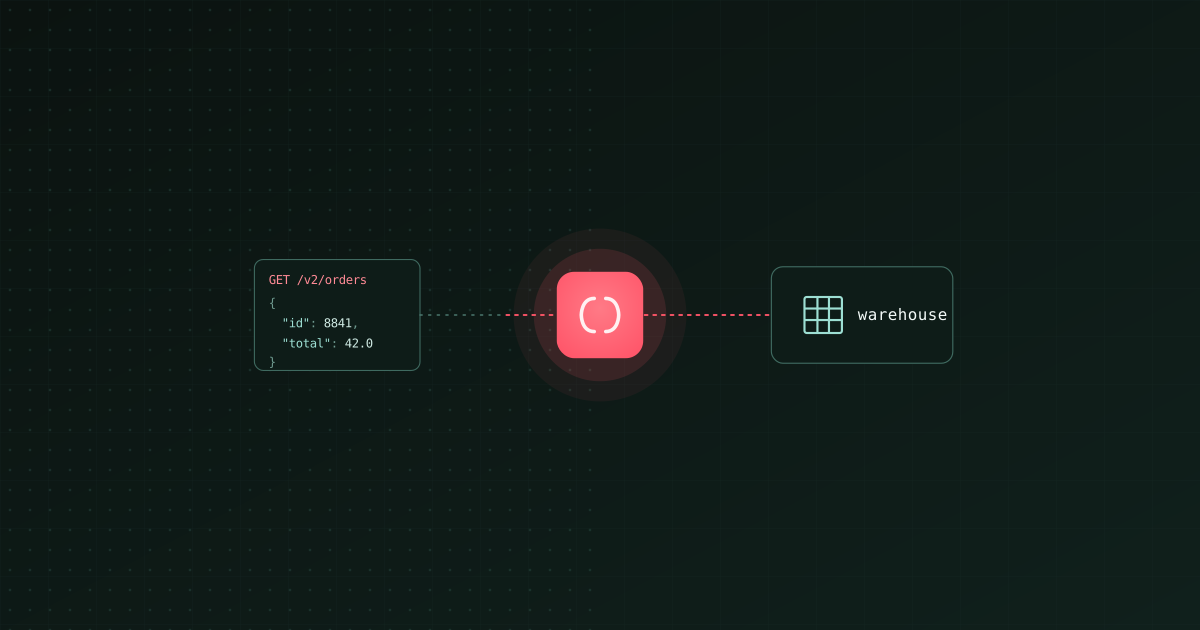
TL;DR: The best tool to load API data into a warehouse depends on whether the API is a known SaaS product or an arbitrary REST endpoint. For known SaaS sources (Stripe, Shopify, HubSpot, Salesforce, and many more), use ingestr, Bruin's open-source ingestion CLI: one command, incremental, no server. Bruin wraps the same loader with scheduling, quality checks, and transformations if you need the whole pipeline rather than just the load. For arbitrary custom REST APIs, use dlt's REST source to build a pipeline in Python. For fully managed catalogs, Airbyte and Fivetran cover the popular APIs. The parts that actually break are pagination, auth token refresh, rate limits, and flattening nested JSON, so let a tool handle those rather than hand-rolling a fetch loop.
Loading API data into a warehouse means pulling JSON from an HTTP endpoint and landing it as queryable tables in Snowflake, BigQuery, or Databricks. It sounds like a fifteen-line script until you hit the real work: paginating through millions of records, refreshing OAuth tokens, backing off when you get rate-limited, retrying transient failures without duplicating rows, and turning nested JSON into columns. The right tool exists to handle exactly those parts.
What makes API ingestion hard
- Pagination. APIs return data in pages (cursor, offset, or link-header based). You have to follow every page reliably, and resume correctly if a run dies mid-way.
- Authentication. API keys, OAuth with refresh tokens, HMAC signing. OAuth token refresh mid-sync is a classic source of silent failures.
- Rate limits. Hit the limit and you get 429s. You need backoff and retry, or you drop data.
- Incremental state. Re-pulling the whole API every run is slow and burns quota. You need a watermark (an
updated_ator cursor) persisted between runs. - JSON flattening. Nested objects and arrays have to become columns and child tables, with a stable schema as the API evolves.
Any tool worth using does these for you. Hand-rolled scripts usually get pagination and auth right and quietly get incremental state and retries wrong.
Your options
| Option | Best for | Open source | Runs as |
|---|---|---|---|
| ingestr (Bruin) | Known SaaS APIs, one command | Yes | CLI (no server) |
| Bruin | The API load plus transformations and checks | Yes (CLI) | CLI or managed cloud |
| dlt (REST source) | Arbitrary custom REST APIs, in Python | Yes | Python library |
| Airbyte | Broad catalog of popular APIs | Yes (self-host) | Server + UI |
| Fivetran | Managed, popular SaaS APIs | No | Managed cloud |
| Custom (requests) | Total control, most maintenance | Yes (library) | Your code |
Known SaaS API: use ingestr
If your API is a recognized SaaS product, ingestr has a source for it and you are one command away. It handles pagination, auth, and incremental state for the source.
pip install ingestr

ingestr ingest \
  --source-uri 'stripe://?api_key=sk_live_...' \
  --source-table 'charges' \
  --dest-uri 'bigquery://my-project?credentials_path=/path/to/key.json' \
  --dest-table 'raw.stripe_charges' \
  --incremental-strategy merge \
  --incremental-key created \
  --primary-key id
Check ingestr's source list for the exact SaaS sources supported and their parameters. Swap the destination for Snowflake or Databricks using the patterns in our Snowflake and Databricks guides.
Arbitrary custom REST API: use dlt
If you are pulling from an internal or niche REST API that no tool has a prebuilt source for, dlt's REST source lets you describe the endpoints declaratively and get pagination, auth, and incremental handled without writing the fetch loop yourself:
import dlt
from dlt.sources.rest_api import rest_api_source

source = rest_api_source({
    "client": {
        "base_url": "https://api.example.com/v2/",
        "auth": {"token": dlt.secrets["api_token"]},
        "paginator": {"type": "cursor", "cursor_path": "meta.next_cursor"},
    },
    "resources": [
        {"name": "orders", "endpoint": {"path": "orders", "incremental": {"cursor_path": "updated_at", "param": "since"}}},
    ],
})

pipeline = dlt.pipeline(destination="snowflake", dataset_name="raw")
pipeline.run(source)
This is the right level of abstraction for custom APIs: declarative enough to avoid boilerplate, flexible enough to handle a weird endpoint.
Gotchas
- Persist incremental state. The single most common bug is re-pulling everything every run because the watermark is not saved. Both ingestr and dlt persist it; a hand-rolled script usually does not.
- Handle 429s with backoff. Respect
Retry-After. Exponential backoff prevents dropped data under rate limits. - Flatten deliberately. Decide whether nested arrays become child tables or JSON columns, and keep it stable so downstream models do not break.
- Refresh OAuth tokens. For long syncs, make sure the token refreshes mid-run.
- Land raw, model later. Put the raw API payloads in a
rawschema and shape them in the warehouse, so an API change does not break ingestion and modeling at once.
After loading: model and monitor
Raw API tables are step one. To make them useful you model them, check quality, and schedule the syncs. ingestr is the ingestion layer of Bruin, an open-source platform that runs SQL/Python transformation, data quality, and scheduling next to ingestion, so your API loads and the models built on them live in one project rather than a fetch script plus a separate transform tool plus a scheduler.
Related: sync Salesforce into a warehouse, the best data ingestion tools in 2026, and the best Python library for data ingestion.
I work at Bruin, which makes ingestr and Bruin. Corrections welcome at [email protected].