TL;DR: The quick path to a modern data warehouse has five steps. Pick a managed warehouse that fits your size (Postgres or DuckDB for small data, BigQuery or Snowflake as you grow). Load your sources with ELT, not custom scripts. Model in SQL inside the warehouse, in layers. Add quality checks before anyone reads the numbers. Schedule it and put answers in front of people. Most of the time goes into connecting a separate tool for each step. Bruin does loading, SQL and Python modelling, checks and scheduling in one open-source project, and bruin init starts it from a template for your warehouse and sources.
Setting up a warehouse used to mean months of infrastructure work. The warehouse part is now the easy bit: Snowflake, BigQuery, Databricks and MotherDuck all start in minutes. What still takes time is everything around it. Getting data in, shaping it, trusting it and keeping it running usually means four or five separate tools, each with its own setup, config and bill.
This guide is the short version of that work. We build Bruin, so we use it for the examples and say where other tools are the better fit.
What a modern data warehouse is made of
| Layer | Job | Common tools | In Bruin |
|---|---|---|---|
| Warehouse | Store and query the data | Snowflake, BigQuery, Databricks, Redshift, Postgres, ClickHouse, DuckDB | Bring your own |
| Ingestion (ELT) | Copy data from sources into the warehouse | Fivetran, Airbyte, dlt, ingestr | ingestr assets |
| Transformation | Clean and model the data in SQL inside the warehouse | dbt, SQLMesh, Dataform | SQL and Python assets |
| Quality | Check the data before people use it | dbt tests, Great Expectations, Soda | Column and custom checks |
| Orchestration | Run everything in order, on a schedule | Airflow, Dagster, Prefect | bruin run, Bruin Cloud schedules |
| Analytics | Dashboards and answers | Looker, Tableau, Metabase, AI data analysts | AI dashboards and the AI data analyst |
"Modern" here mostly means two things: the data is loaded raw and transformed inside the warehouse (ELT rather than ETL), and every step is code in Git rather than clicks in a UI.
Step 1: Pick the warehouse
Don't over-think this. Every option below is managed, scales well past what a new team needs, and can be swapped later because your models are SQL.
| Warehouse | Pick it when | Watch out for |
|---|---|---|
| Postgres | You already run it and data is small | Slow on large scans. Never run analytics on the production database |
| DuckDB / MotherDuck | One person or a small team, small to medium data | Fewer integrations than the big three |
| BigQuery | You're on Google Cloud, or want no warehouse to size or manage | Cost scales with data scanned, so partition big tables |
| Snowflake | You want the broadest ecosystem and predictable performance | Idle warehouses bill credits. Set auto-suspend on day one |
| Databricks | You also need Spark, notebooks or machine learning | More to set up than a pure SQL warehouse |
| ClickHouse | Event data and real-time dashboards | Joins and updates work differently from other warehouses |
Free ways to start:
- BigQuery: 10 GiB of storage and 1 TiB of queries free every month. The sandbox needs no billing account, but its tables expire after 60 days.
- Snowflake: a 30-day trial with $400 in credits.
- MotherDuck: the free Lite plan includes 10 GB of storage and up to 3 users.
- Databricks: Free Edition is for learning and can't be used commercially.
- Postgres and DuckDB: free to run yourself.
Best first warehouse by situation:
- Startup with little data: BigQuery or Postgres.
- Already on AWS or Azure: Snowflake.
- One data person, laptop-first: DuckDB, then MotherDuck when you need to share.
- Heavy event data: ClickHouse.
Step 2: Start the project from a template
Install the Bruin CLI and create a project. Templates give you a working pipeline for a common warehouse and source pair instead of an empty folder:
curl -LsSf https://getbruin.com/install/cli | sh
bruin init stripe-bigquery my-warehouse
There are templates for Stripe, Shopify, QuickBooks, PostHog and Google Sheets into BigQuery, Shopify into DuckDB and ClickHouse, Salesforce and sales analytics on Snowflake, a bronze-silver layout on Postgres, and more. Run bruin init with no arguments to pick one from a list.
Connections live in .bruin.yml at the project root (keep it out of version control), with one block per environment so development and production never share credentials:
default_environment: dev
environments:
  dev:
    connections:
      google_cloud_platform:
        - name: bq
          project_id: acme-analytics-dev
          service_account_file: keys/dev.json
  production:
    connections:
      google_cloud_platform:
        - name: bq
          project_id: acme-analytics
          service_account_file: keys/prod.json
Step 3: Load your sources
Each source is a small ingestr asset: where the data comes from, where it goes, and how to load it.
name: raw.stripe_charges
type: ingestr
connection: bq
parameters:
  source_connection: stripe
  source_table: charge
  destination: bigquery
For databases, load incrementally on an updated_at column or use change data capture, so each run moves only what changed. Start with the two or three sources behind the first question someone actually wants answered, not every system in the company.
Step 4: Model in layers
Keep raw data untouched and build clean tables on top of it in SQL, inside the warehouse:
- Raw: exactly what the source sent. Loaded by ingestr.
- Staging: one cleaned table per source table. Renamed columns, fixed types, deduplicated.
- Marts: tables shaped for questions, such as
revenue_by_monthorcustomers.
/* @bruin
name: marts.revenue_by_month
type: bq.sql
materialization:
  type: table
depends:
  - staging.charges
@bruin */

SELECT DATE_TRUNC(created_at, MONTH) AS month,
       SUM(amount) / 100 AS revenue
FROM staging.charges
WHERE status = 'succeeded'
GROUP BY 1
Use Python assets where SQL stops, such as calling an API or scoring a model. They run in the same pipeline, in dependency order.
Step 5: Add checks before anyone reads the numbers
A warehouse that's wrong once loses its readers. Add checks to the tables behind your first report before you share it:
columns:
  - name: month
    checks:
      - name: not_null
      - name: unique
  - name: revenue
    checks:
      - name: non_negative
Checks run after each table builds. When one fails, the tables downstream of it don't run, so a broken load stops before it reaches a dashboard. The same checks run in CI on every pull request; see how to test data pipelines in CI/CD.
Step 6: Schedule it and put answers in front of people
bruin validate .
bruin run .
Then schedule it: in Bruin Cloud, or with cron, GitHub Actions or an existing Airflow DAG calling bruin run. Finally, give people a way in. Connect a BI tool, or let them ask Bruin's AI data analyst in Slack or Microsoft Teams and get answers from the tables you just built and checked.
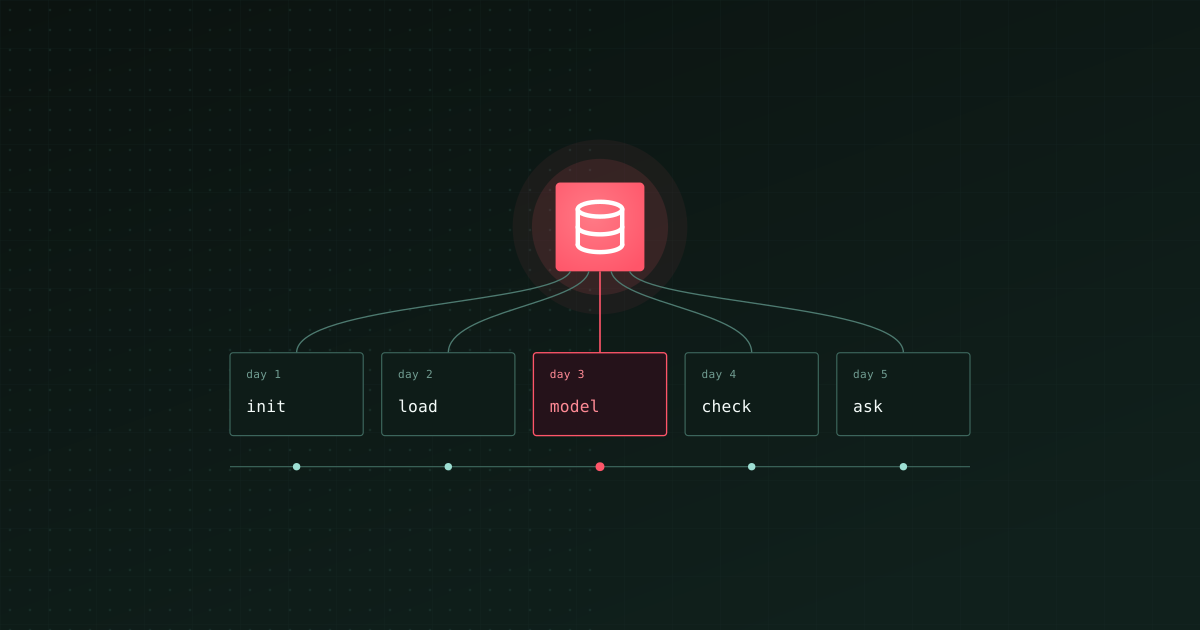
A realistic first week
| Day | Goal |
|---|---|
| 1 | Warehouse created, project started from a template, connections working in dev |
| 2 | Two or three sources loading incrementally |
| 3 | Staging tables and the first mart for one real question |
| 4 | Checks on everything that mart reads, tests running in CI |
| 5 | Scheduled in production, first report or AI answers shared with the team |
What slows teams down
- Modelling everything before answering anything. Build the tables for one question, ship it, then the next.
- Hand-written load scripts. They work until the API changes or the table grows. Use an ELT tool from day one.
- Analytics on the production database. One heavy query and the app slows down. Use a replica or a separate warehouse.
- No checks until something breaks. By then people have stopped trusting the numbers.
- A separate tool for every layer. Each one is a setup, a login, a bill and a place for things to break between them.
Where the other tools fit
- Fivetran or Airbyte plus dbt plus Airflow or Dagster is the classic modern data stack. It works, and it's three or four tools to set up, connect and pay for.
- dbt is the most widely used transformation tool. If your team already knows it, Bruin can run dbt models next to its own assets.
- Microsoft Fabric suits teams that already live in Microsoft 365 and Power BI.
- MotherDuck is a good fit for small teams that want DuckDB's simplicity with sharing.
For costs, see what a modern data stack costs. For a full end-to-end example on Snowflake or BigQuery, see how to build an end-to-end data pipeline.
Where to start
Write down the first question the warehouse should answer. Pick the warehouse from the table above, run bruin init with the closest template, and load only the sources that question needs. Ship the answer, then add the next one.
The Bruin CLI is open source. The quickstart walks through a full project.