SFTP
SFTP (SSH File Transfer Protocol) is a secure file transfer protocol that runs over the SSH protocol. It provides a secure way to transfer files between a local and a remote computer.
ingestr supports SFTP as a data source.
URI Format
For password authentication, use:
sftp://<username>:<password>@<host>:<port>For private-key authentication, provide key_file. Omit the password for an unencrypted key:
sftp://<username>@<host>:<port>?key_file=/path/to/private_keyFor an encrypted private key, use the URI password as its passphrase:
sftp://<username>:<key-passphrase>@<host>:<port>?key_file=/path/to/private_keyURI components
username: The username for the SFTP server.password: The SFTP account password whenkey_fileis absent, or the private-key passphrase whenkey_fileis present. Eitherpasswordorkey_fileis required.host: The hostname or IP address of the SFTP server.port: The port number of the SFTP server (defaults to 22 if not specified).
The following query parameters are supported:
key_file: Path to an OpenSSH private key.known_hosts_file: Path to an OpenSSHknown_hostsfile, commonly~/.ssh/known_hosts.host_key_fingerprint: An OpenSSH SHA256 host-key fingerprint, such asSHA256:.... Repeat this parameter or provide a comma-separated value to allow multiple keys. When set, these fingerprints are used instead ofknown_hosts_file.insecure_skip_host_key_check: Set totrueonly as a temporary compatibility escape hatch. This disables server identity verification and prints a warning.
For known_hosts_file, paths beginning with ~/ are expanded relative to the current user's home directory. URL-encode query parameter values when they contain reserved URI characters.
Host-key verification
Configure known_hosts_file or host_key_fingerprint to verify the SFTP server's identity. An unknown key or a key that differs from the trusted key stops the connection with an error.
For backwards compatibility, an existing SFTP URI without either option continues without host-key verification and prints a warning. New and updated integrations should always configure one of the verification options. Set insecure_skip_host_key_check=true only when the insecure behavior is an explicit, temporary choice.
Before adding a new key, verify it or its SHA256 fingerprint with the server administrator through a trusted channel. You can then add it to an OpenSSH known_hosts file or pin the verified fingerprint in the source URI.
Setting up an SFTP integration
To integrate ingestr with an SFTP server, you need the server's hostname, port, a valid username, password or private key, and a trusted host key.
Once you have your credentials, you can load data to the desired destination.
Example: loading data from SFTP to DuckDB
ingestr ingest \
    --source-uri 'sftp://myuser:MySecretPassword123@sftp.example.com' \
    --source-table 'user.csv' \
    --dest-uri duckdb:///sftp_data.duckdb \
    --dest-table 'dest.users_details'
To pin the server key directly:
ingestr ingest \
    --source-uri 'sftp://myuser:MySecretPassword123@sftp.example.com?host_key_fingerprint=SHA256%3A<verified-base64-fingerprint>' \
    --source-table 'user.csv' \
    --dest-uri duckdb:///sftp_data.duckdb \
    --dest-table 'dest.users_details'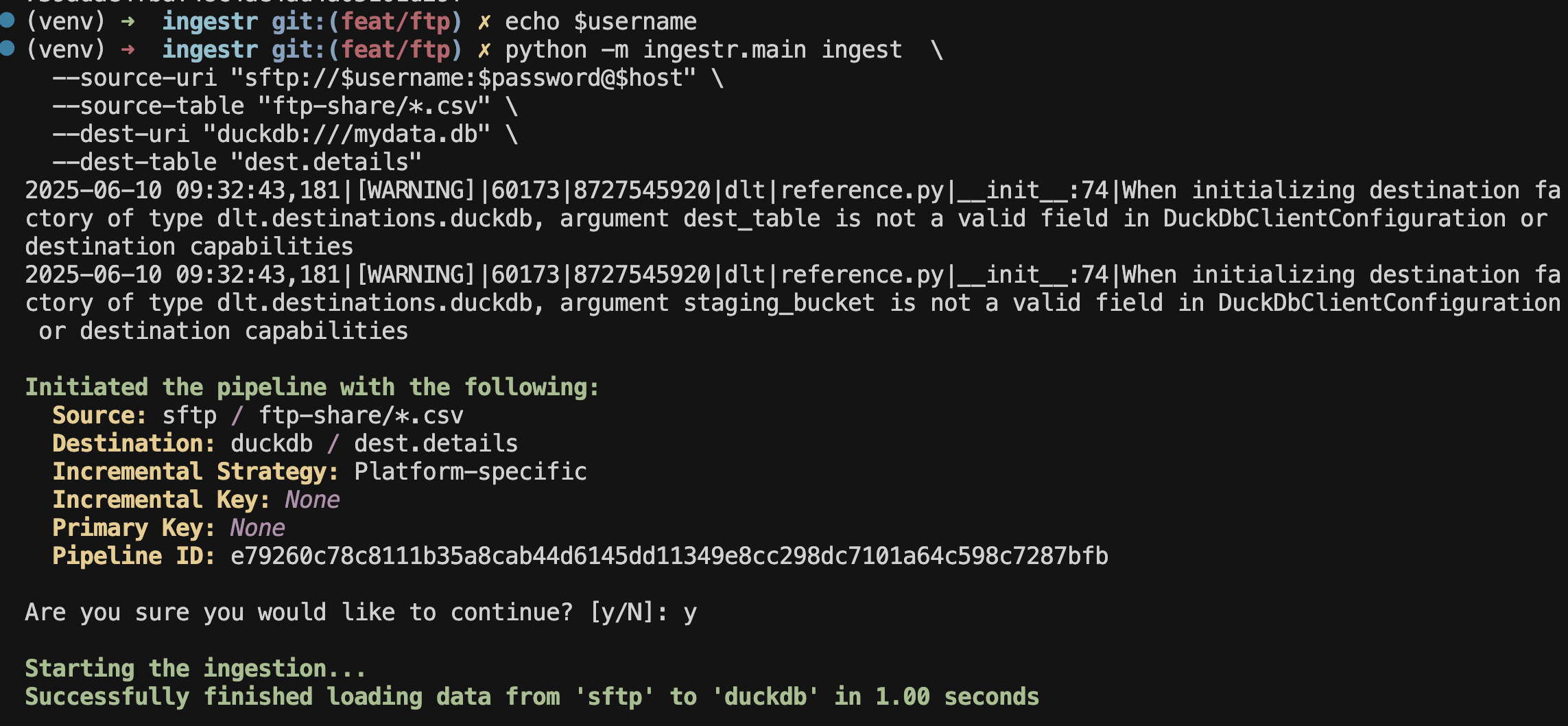
--source-table specifies the file path or glob on the server that ingestr should read.
ZIP archives can be read without a separate extraction step. Append a member glob after !, for example --source-table '/releases/data.zip!**/*.csv'. CSV, JSONL/NDJSON, and parquet members are supported, including the existing #csv, #jsonl, and #parquet format hints for extensionless members.